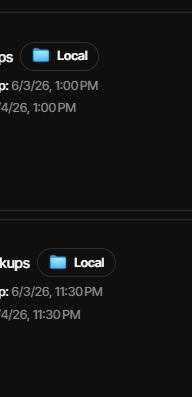
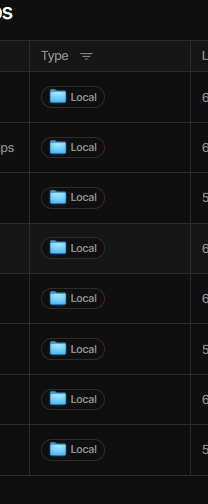
Are there already plans to have the UI show all of the different backup destination types?
Right now mine all just show “Local” even though I have a couple with FTP and SMB
Works fine already on 2.3.0.1_stable_2026-04-24 with Edge. What’s yours on?
To test, I changed “Destination” for a small job (didn’t even run it) around some.
“File system” got

“FTP” got:

“Windows share (SMB)” got:

Although I didn’t need any manual browser refresh, I guess you could test one.
You can also test how “Details” view looks. I don’t have a full set, but mine has:
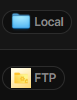
Thanks - the multiple part is key though. If you have a backup going to Local AND FTP it only shows Local right?
It was ambiguous. Apparently you mean Multiple Backup Destinations as per
This version adds support for configuring multiple destinations for a single backup job.
I showed multiple backup jobs, guessing from the chopped off image posted,
which has timestamps that look like the Home screen not Destination screen.
Maybe your image is of multiple backup jobs, each with multiple destinations.
In that setup order, right, but more precisely:
My List and Details views seems to show original, not “Add another destination”,
while the Destination screen shows all of them with a correct icon for each type.
Blog post: Built-in 3-2-1 backups through Remote Synchronization
is worth a read if you’re not familiar with the plan. The destinations are not each
standalone backups. There is a primary (the first destination) and then sync of it.
If you’re asking for one or both of the Home screen views to show the sync, that
would be a developer question. It’s a destination but not an independent backup.
It turns out that there’s already a feature request on new UI. Is this what you ask?
You are absolutely right - I worded that terribly.
Even calling it ambiguous is generous.
Yep - that feature request is exactly what I am looking for. I must not have looked in ngclient. Thanks!