I’m using Duplicati 2.2.0.0_stable_2025-10-23 and I have a strange behavior in the new ngclient GUI.
It is not possible to enter a capital letter for the “path on server”:
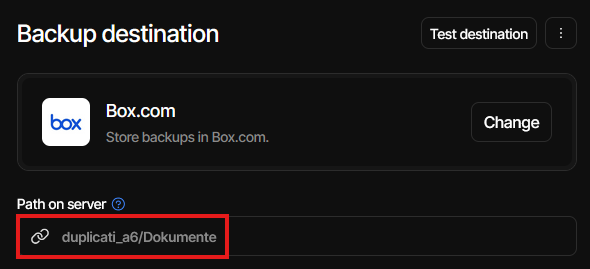
Each time I try this the cursor jumps to the end of the entry field. Because on the destination server the path is “Duplicati_A6/Dokumente“ the backup fails with
The operation Backup has failed\r\nFolderMissingException: The requested folder does not exist
This happens when I use Firefox or Microsoft Edge.
I had to go to the “old” GUI to be able to enter the capital letter “D” in the path field.