I just updated to 2.2.0.0_stable (on my Windows 10 22H2 machine) and saw the “unencrypted database” warning for the first time. After wading waist-deep through the docs, I decided to attempt to configure the “settings encryption key” by using a preload file.
I created the file C:\ProgramData\Duplicati\preload.json as indicated, and populated it with the following text.
{
    "env": {
        "*": {
            "SETTINGS_ENCRYPTION_KEY": "some long string I just generated"
        }
    }
}
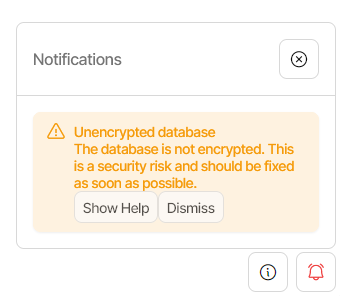
However, upon restarting Duplicati, I still received the same warning message, which I assume means Duplicati didn’t read the preload file I created:
I would appreciate any assistance in figuring out where I’ve gone wrong.