I guess I should have linked the section on that instead of just saying where it is.
To use Duplicati on Linux, you first need to decide which kind of instance you want: GUI (aka TrayIcon), Server, Agent, CLI). The section on Choosing Duplicati Type has more details on each of the different types.
There are also a few added advanced features, but old uses remains free.
Duplicati console pricing explains the new remote console feature pricings.
Google Workspace Backup and “Office 365 Backup” below are proprietary.
You’re OK if you don’t use them. To be sure you don’t, it says how to avoid.
It would help if you said what you didn’t understand. Let’s look over the docs:
If you need to pass options to the server, edit the settings file, usually at
/etc/default/duplicati.
Assuming you want it as a service, you add that as shown there, then do the
sudo systemctl start duplicati.service
Although it’s not mentioned, the opposite of start is stop per a man page.
There is a variety of .deb files available, and a selector. Possibly you prefer:
https://updates.duplicati.com/stable/
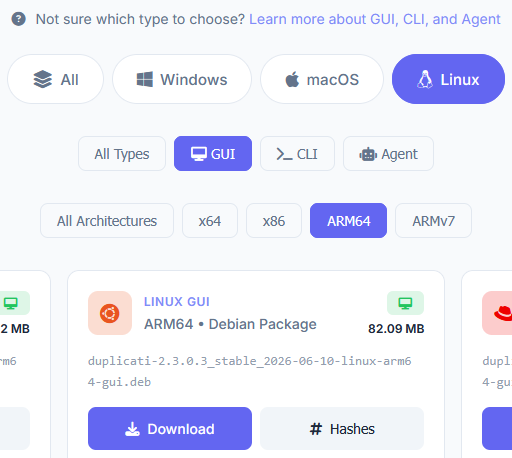
but I don’t know your machine and usage, e.g. headless use would be different.
Regarding how to install a .deb, if you have GUI, easiest might be what I said.
If you want to use apt like before from a local file, that’s fine too. Debian page: