You're running Duplicati with - 2.2.1.0 - 2.2.1.0_beta_2026-03-05
Browser: Vivaldi 8.1.4087.46 (Official Build) (64-bit)
OS: Linux MInt 22.3
First issue:
I deleted the oldest version of a backup, to free up some disk space. I followed the instructions in this post. I used the parameter --version=4 which, if I understand correctly, would delete the oldest of 5 versions.
It appeared to work. It ran about 30 minutes, the log shows no errors.
My concern is that the number of versions shown in the UI has not changed. I started out with 5 versions, and it still says 5 versions. I cleared the browser cache and refreshed the screen several times.
Looking in the folder where the backup is stored, there are only 4 dlist files after the process. I didn’t think to look beforehand, but I presume there were 5 before?
Second issue:
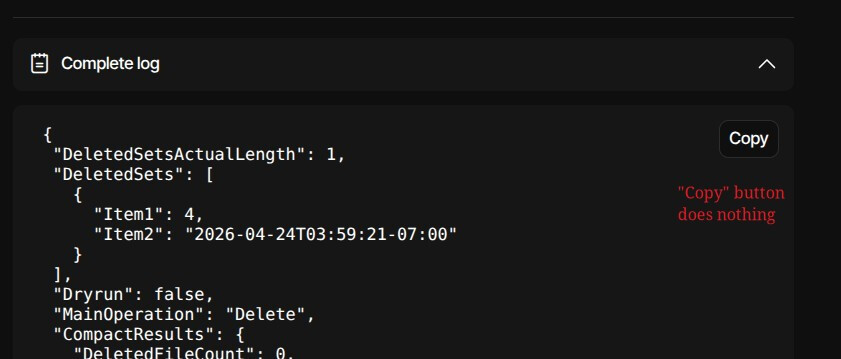
By the way, I tried to upload the log in a txt file, but that’s not allowed. While doing that, I discovered that the “Copy” button on the log screen does not work. It doesn’t react to a mouse click at all, and the clipboard retains whatever was already there.