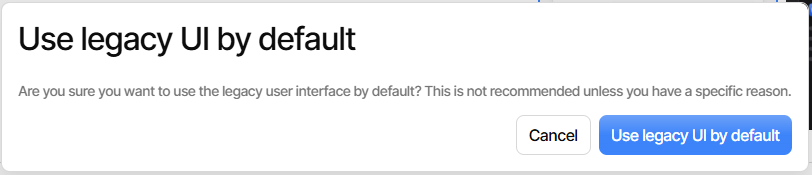
When I click on the “Use Legacy Interface” button, Duplicati continues to display the new interface.
This is an urgent problem because my backup configuration has errors, but the new UI will not tell me what they are (ref: this ticket).
When I click on the “Use Legacy Interface” button, Duplicati continues to display the new interface.
This is an urgent problem because my backup configuration has errors, but the new UI will not tell me what they are (ref: this ticket).
As a workaround…
Assuming you are in local Duplicati, try changing everything after the port number (probably 8200) to theme.html to see if that does any better at getting the old UI.
Your referenced ticket tells me that this is 2.2.0.2_beta_2025-11-26 which had an undocumented UI change that looks like it added this to Settings. Is that the spot?
Problems with your authenticator logic is why I asked to confirm you’re in local UI.
Yes, I am running this (from the “About” screen):
You are currently running Duplicati 2.2.0.2 - 2.2.0.2_beta_2025-11-26
Changing the URL to theme.html gave me access to the old UI. Thank you!
I opened an issue on the broken button.
Thank you.
I can’t see how to close this ticket. I only get an option to “Reply” or “Discard” on this composer window.
This is the forum pages, so we don’t close it, but leave it here for others to find.
The latest canary has an updated set of buttons, so now you can choose the default theme or just temporarily switch theme.
Much nicer now, although seemingly constrained by the UI buttons only being in new UI, meaning getting back to new UI default needs temporary to get Settings, then click the button (which could easily be mistaken for an a report) to change it.

Left button clearly offers an action. Right button isn’t clear, but does do a toggle, which perhaps is what the right-and-left arrow icon means, but it’s kind of vague.
If one takes a guess that the right message is a clickable button, things get clear:
Although I’m not a UX designer, I think button label is usually action not status.
To me, “choose the default theme” is not “Default is X UI” but “Default to X UI”.
I agree that button text should always be imperative, e.g. “Use new UI” and “Use legacy UI”
Whereas label text should only be declarative: “Using new UI”, “Using legacy UI”.
I have registered an issue for this: