And the solution worked fine for me on my first server (Server 1).
Now, I upgraded duplicati on my other Server (Server 2), but instead of doing this …
Open Duplicati, edit the configurations of your backup, then go to Destination and hit Test connection, you will get a modal that offers to change the host key, hit OK and save the settings. Manually trigger a backup job and everything should work again.
… I added the env var SETTINGS_ENCRYPTION_KEY=<value> and restarted the container. I think this was a mistake, even if I don’t know what exactly happened. I am not sure if the env var here is related to my issue …
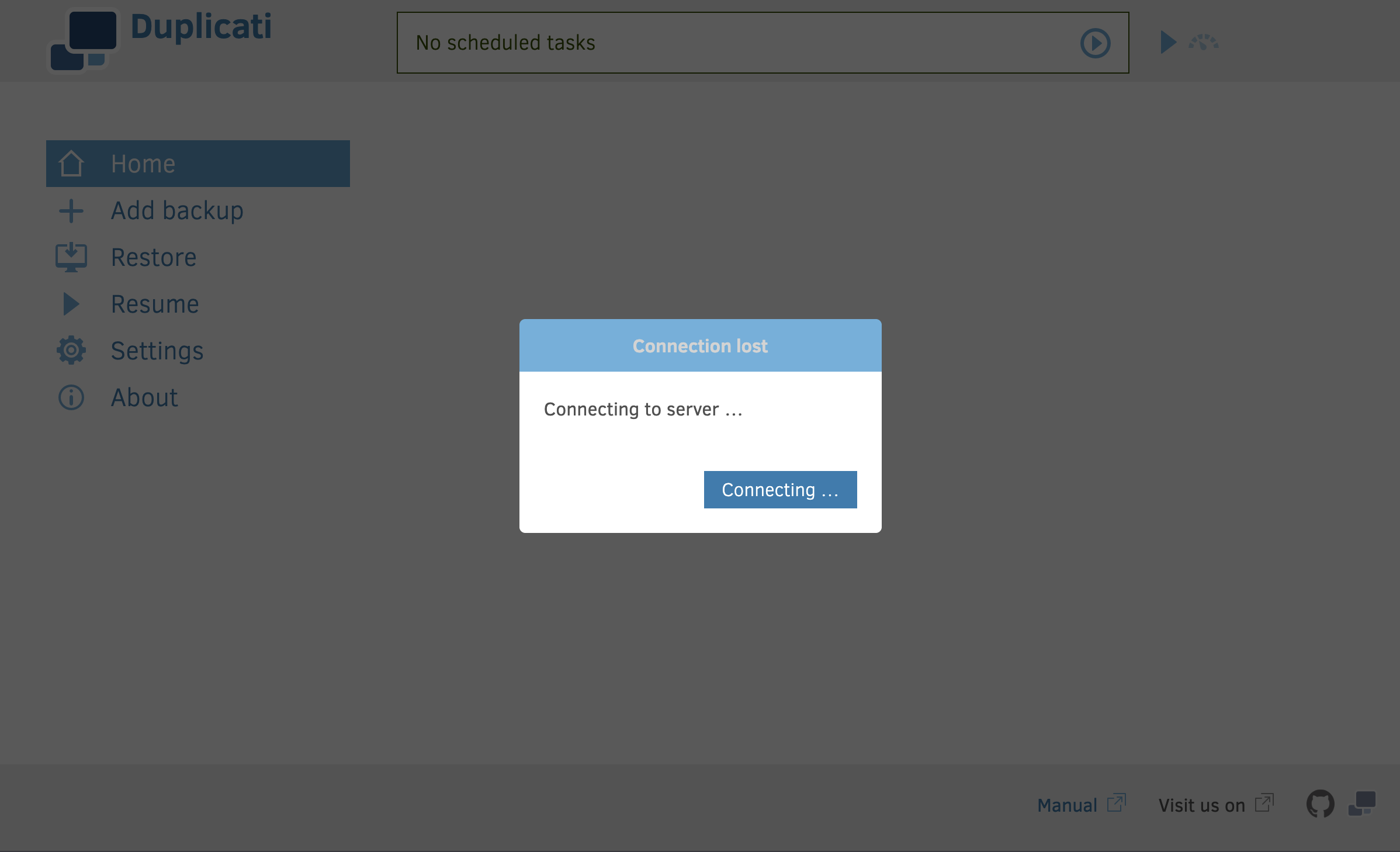
However, now I don’t see my backup job and after a while I get this screen:
If you can’t connect at all, you might be lacking a duplicati-server process.
Logs may say why.
You can also consider if you are using /config folder per the LSIO directions.
That’s what keeps your config stored when you change to a different container.
If you did set one up, you can look at it from the host, to look at files and dates.
@ts678 Thank you so much for your answer. I just found a solution: I had to turn on websockets! Found an entry in the logs, that I must have overseen, when I created this thread.
 Found an entry in the logs, that I must have overseen, when I created this thread.