Hi,
I installed Duplicati version 2.1.2.0_beta_2025-08-20 as a service on Windows 10/11.
I configured the tray icon to execute this command but it is not shown in the taskbar when launched :
“C:\Program Files\Duplicati 2\Duplicati.GUI.TrayIcon.exe” --no-hosted-server --read-config-from-db --server-datafolder=C:\ProgramData\Duplicati\home
When I run this command in Windows Terminal, an error occurs:
Crash!
System.UnauthorizedAccessException: Access to the path ‘C:\ProgramData\Duplicati\home\installation.txt’ is denied.
at Microsoft.Win32.SafeHandles.SafeFileHandle.CreateFile(String fullPath, FileMode mode, FileAccess access, FileShare share, FileOptions options)
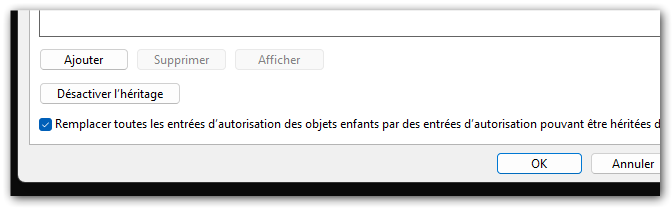
When I change security of the folder it works (tray icon is running) but the service rewrites security after a restart.
Is there a solution ?
Thanks for your replies