That is very odd. There is a slight amount of overhead but this is usually massively offset by deduplication and compression.
Is it possible that your backup was including the temporary folder where Duplicati stores files during upload, so a number of these files were picked up as well?
Also, for the “Source” number, does the source disk have compression enabled? How did you get this number?
Symlinks and hardlinks do not matter because the content is deduplicated, unless the symlinks point outside the source folder.
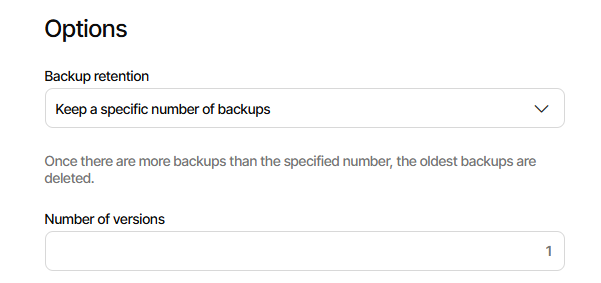
If the latter, you’re losing protection of having old versions. A space effect is this:
  --threshold (Integer): The maximum wasted space in percent
    As files are changed, some data stored at the remote destination may
    not be required. This option controls how much wasted space the
    destination can contain before being reclaimed. This value is a
    percentage used on each volume and the total storage.
    * default value: 25