I made a rooky mistake and select to backup my Ubunut Home directory without excluding pCloud drive which was the destination for my backup. This would have resulted in an (almost) recursive backup!
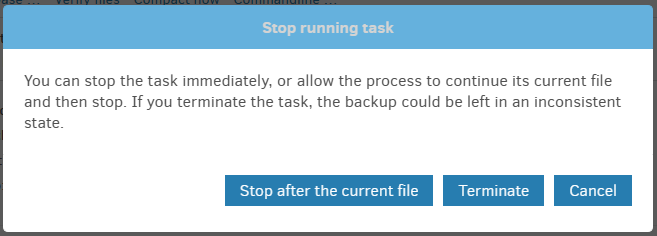
When I noticed files that I did not have on my Ubuntu volume I clicked Stop. I clicked stop on both the top progress bar and the progress bar of the backup but the backup continued.
Should Stop result in an immediate stop? Or should I hit Pause first, then Stop, then (in my case) Abort?
If I’m not mistaken, clicking Stop will not immediately stop the backup in progress, but rather it will stop after the current file that being backed up is finished uploading.
If the file being uploaded is a large one, it can take a while for it to finish and then stop the backup.
Note: I have posted this in multiple places, so forgive me if this looks like spam. This text added to avoid stupid similarity filter. What was the point of that?
An unwanted reply, but keeping with the theme of the original post.
I have used Duplicati for over ten years, I run it on multiple systems (laptops, desktops, servers) and I have never had the “STOP” feature work. Ever.
All I do is kill the process, or log out, or restart the machine, which kills it.
The damn thing just doesn’t work and I don’t recommend that anyone spends any time trying to make it work, there seems to be a low-level issue here and the devs will no doubt get to in once they have stamped out the millions of other bugs holding things up.