It looks like I may need help understanding (and hopefully improving) the backup performance.
My local backup target is a Synology NAS with dual Seagate Constellation enterprise drives (128MB cache) running at 7200RPM. The RAID level is 1. The NAS, enterprise switch, and workstation are all connected at 1GbE.
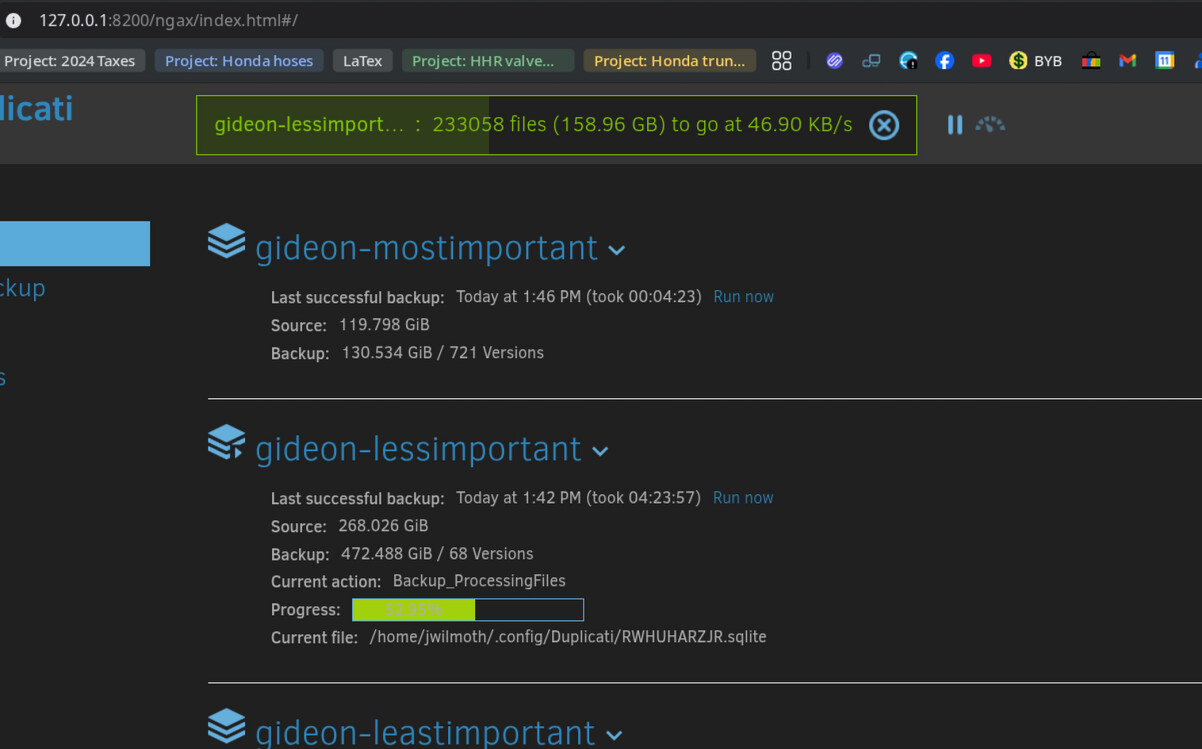
Originally, my backup jobs were configured to backup over SFTP. However, a few days ago, I updated them to backup over SMB instead. I was surprised when I saw the performance (transfer rate at the top of Duplicati web view) still extremely slow (< 50KB/s).
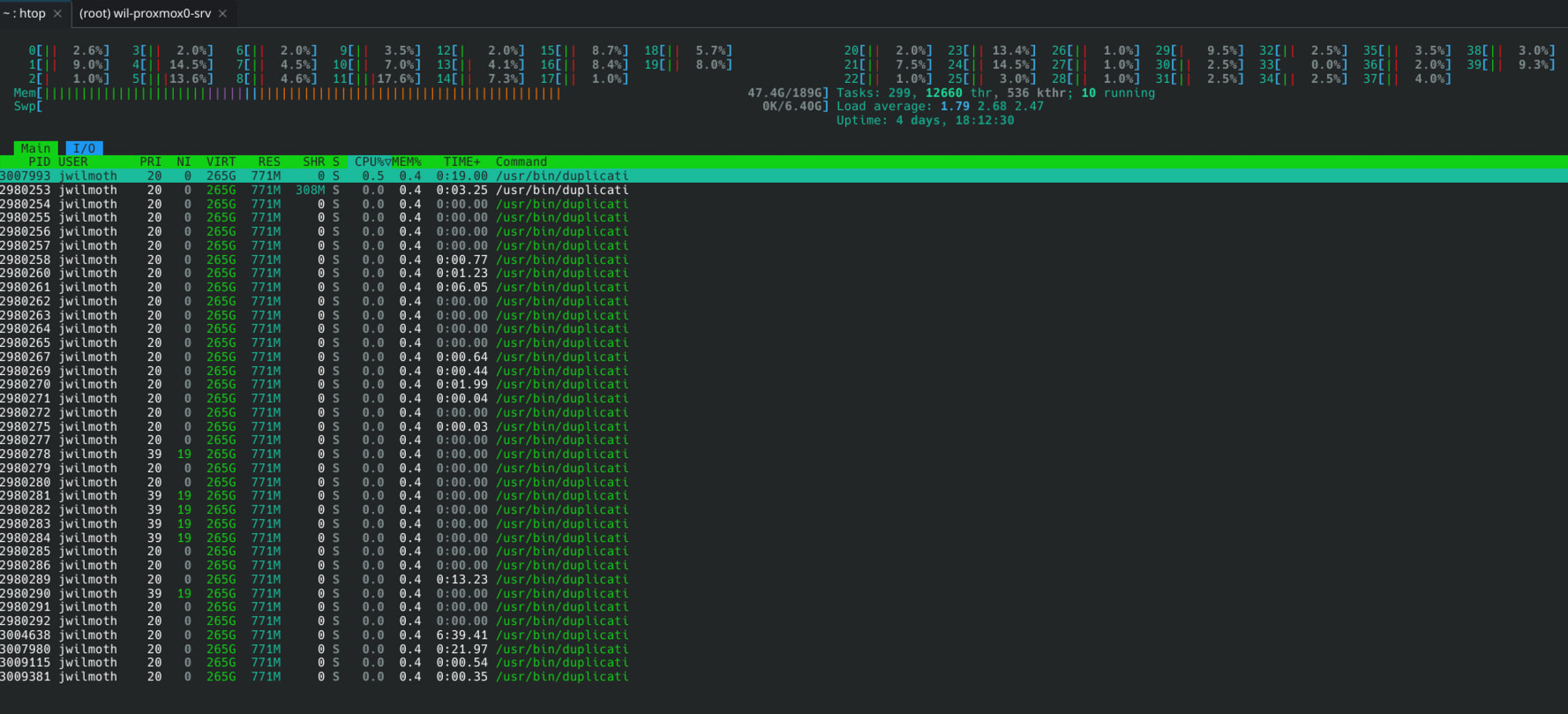
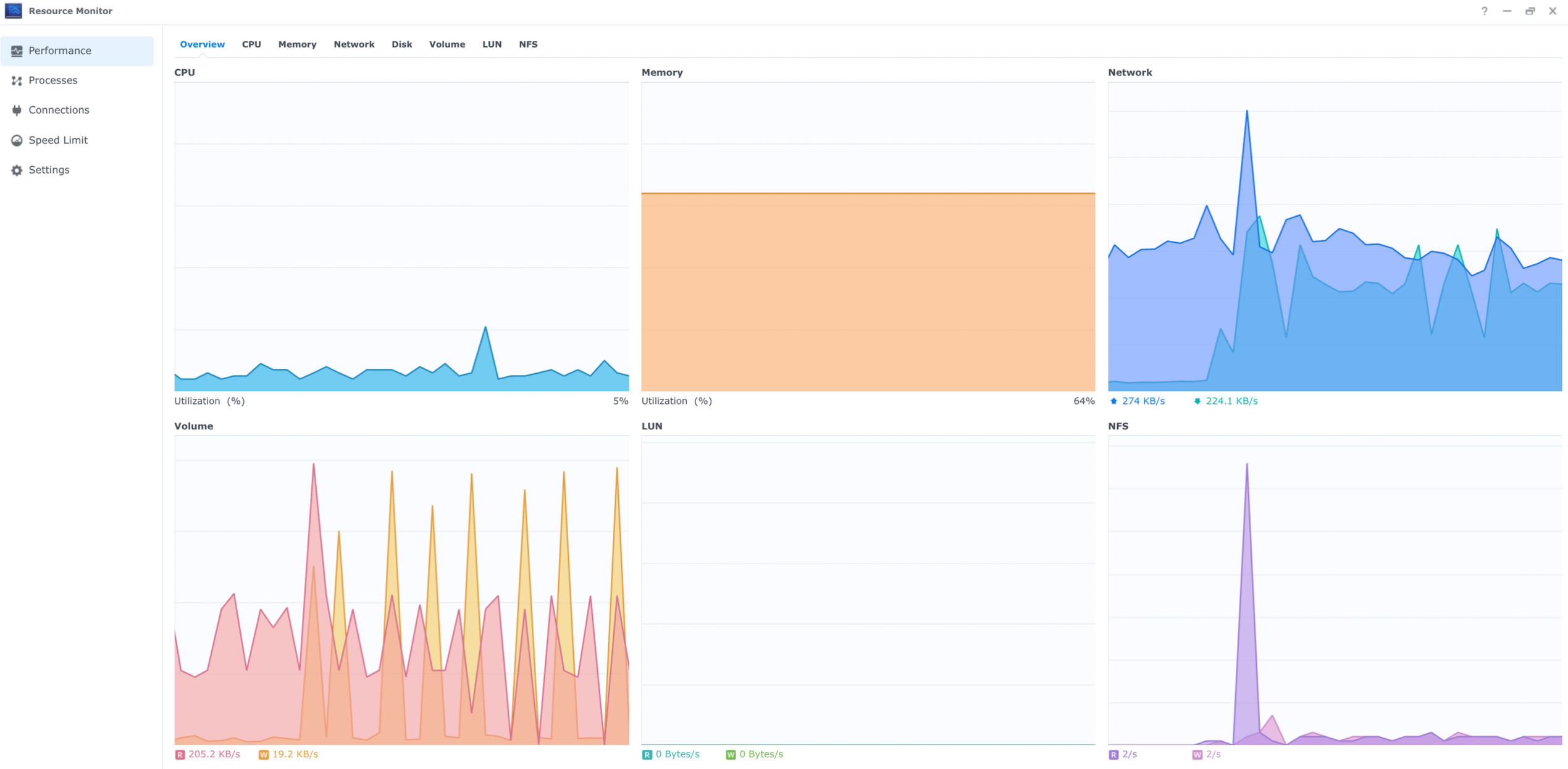
htop shows very low CPU utilization on my workstation (HP Z620 w/ 20 Xeon cores and 192GB DDR3). The NAS shows very low CPU utilization.
A few days ago I switched my jobs to backup over SMB, but the result was the same. Just now I mounted the share by NFS, and the result was the same.
(NOTE: The screenshot above shows the Duplicati DB file being backed up; not sure if I should be backing that up or not; please let me know. But regardless, the symptom remains no matter what files are being backed up. For example, it has yet to backup a large MPEG file I recorded using OBS the other day. Just sticks at sub 50KB/s.)
You can also test a fresh backup of some big file. You can also watch the logs.
About → Show log → Live → Information will show per-uploaded-file progress.
You could also use advanced options log-file=<path> with log-file-log-filter="*UploadSpeed" if you want the speed value computed automatically.
What Duplicati version? New UI in 2.2 has (I think) more accurate transfer stat.
Normally I would also wonder if Source changes are just few, but this refutes it:
assuming you mean it’s in the middle of that. If not yet begun though, it could
possibly be looking far and wide for data to back up, thus having a low speed.
Another way to get a low speed is to ask for it using throttle control on top bar:
is clearly in middle of a file, however if it’s for this job, no point backing it up.
It will be constantly changing, and so instantly obsolete, and not safe to use.
Backing up database for a job can be in run-script-after or different job.
Or if you don’t mind some time (and risk) recreating the DB, don’t back it up.
Configuration can be protected by Export.
Are the system load averages always gettng that high with so little CPU use?
This can be a sign that things are waiting for I/O, but you’d have to find them.