If you want the TrayIcon, then use GUI version (has dependencies on various desktop packages). If you plan to run without a desktop or just don’t want the TrayIcon choose CLI version. Agent is for installations that are managed entirely from the console.
This is described in more detail here:
Duplicati no longer requires mono to run, so you can slim down your install.
Yes, you need to get the temporary password or set a new one:
is also good with the other two references listed. You found the default file.
You can use DAEMON_OPTS to pass arguments to duplicati-server, such as --webservice-password=<passsword>.
might be the easiest way to stay on that path, using password of your choice.
The server (and most programs) can be invoked with --help. You may want
--webservice-allowed-hostnames: The hostnames that are accepted, separated with semicolons. If any of the hostnames are "*", all hostnames are allowed and the hostname checking is disabled.
if “http://IP:8200” uses a DNS IP. If it’s always a numeric, safeguard isn’t needed.
Per last doc in prior post, it’s automatic, but there’s code there to get a URL for it:
sudo journalctl --unit=duplicati | less
Since you’re coming in from outside, you would need to edit the host on that URL.
I don’t know if you can get the (probably very long and random) password to type.
Putting the password in /etc/default/duplicati may expose it more than
in Settings, which also lets you customize other things, once you can get to it.
Having a non-default defaults file can also raise questions during an upgrade.
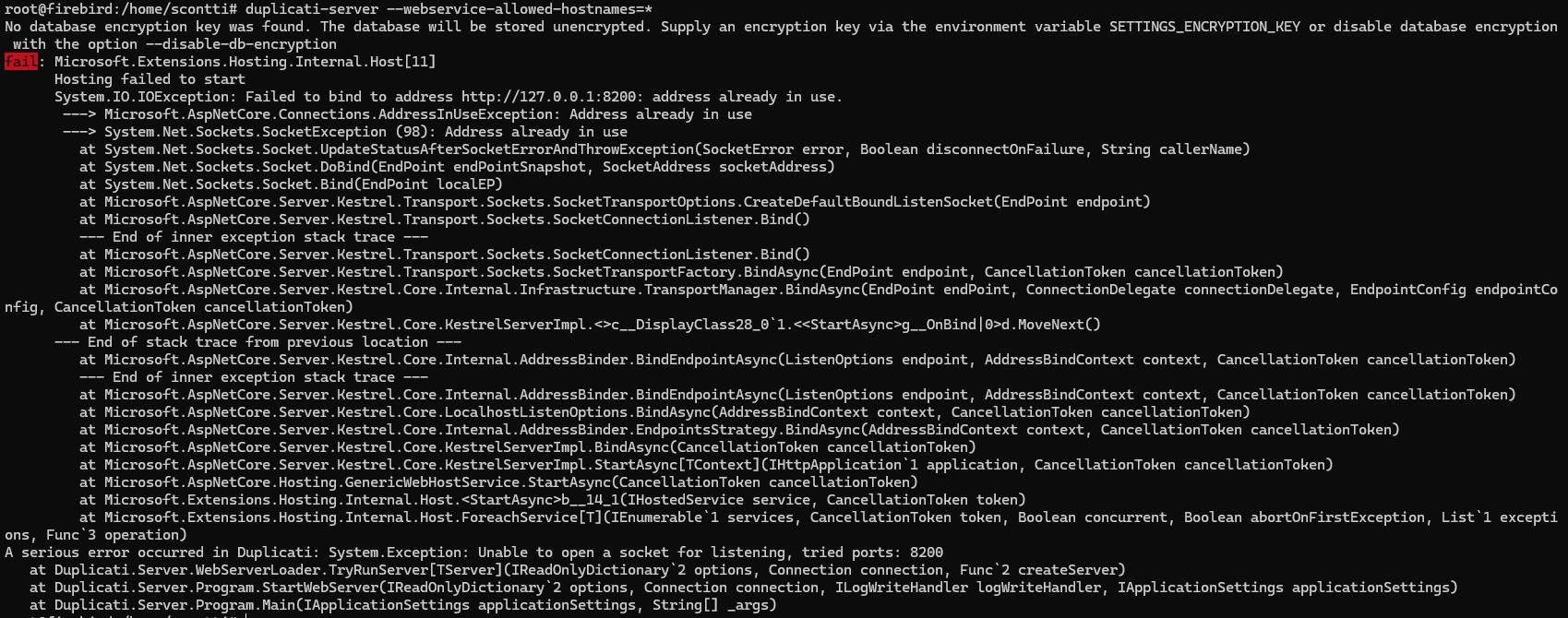
lsof -i :8200 is another way to show what’s on port 8200 interface(s).
If you are trying to come in from outside without turning that interface on,
whatever you’re using would probably treat it as a complete no-response.
If the interface is on, then it would connect (try a netstat) but might fail.