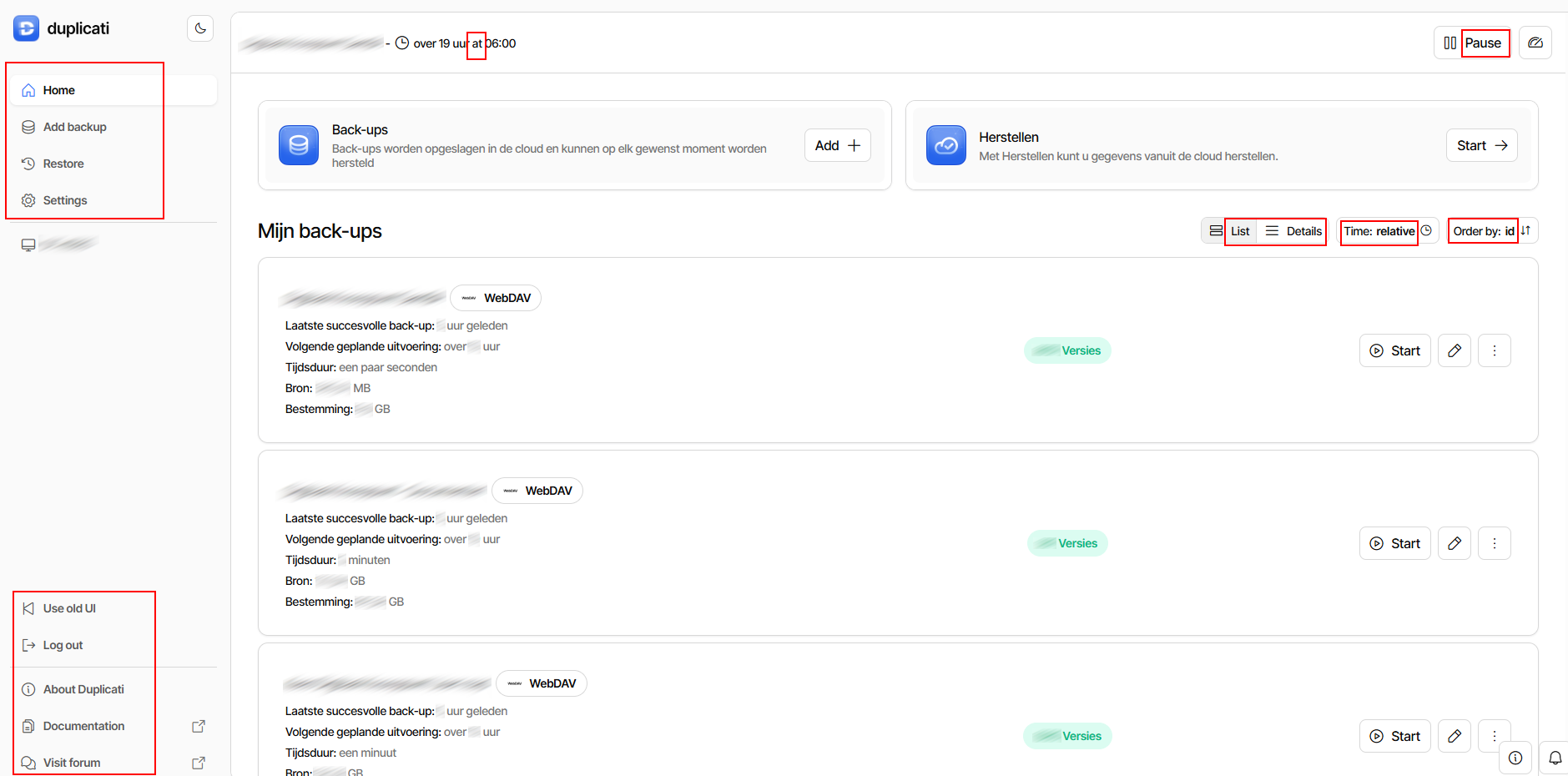
In the new Web UI (ngclient), parts stay untranslated when selecting another language, despite translations are available. When I switch to Dutch language, all text in red rectangles stay untranslated:
Same behaviour for other languages.
Stange that for some languages the translation is indeed applied (German and Italian).
/EDIT: In the screenshot above, the “Add” button should be translated to “Toevoegen”. It’s unclear whether the “Start” buttons are translated; the same word is used for them in Dutch. It’s likely not translated either; no other word is shown for the Start buttons in other languages.
I found the issue with the small “at” in the top bar, and “Details” is apparently not translated, but the rest looks correct. What version are you using and did you try a hard refresh of the page?
I had this issue on all systems Duplicati was installed on, using Chrome and Edge, both normal als InPrivate/Incognito mode.
Funny thing is that it is solved after updating Duplicati from 2.2.0.0 Stable to 2.2.0.1! I’ll update my other installations soon, expecting that this will be fixed there too.
Looks like it was related to this specific Duplicati version.
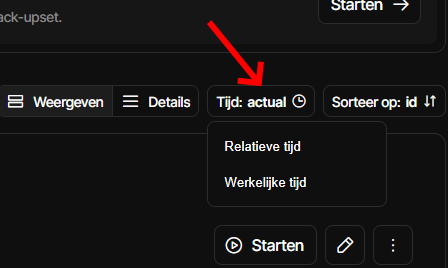
Only untranslated parts on the main page are:
word “at” at the top of the page
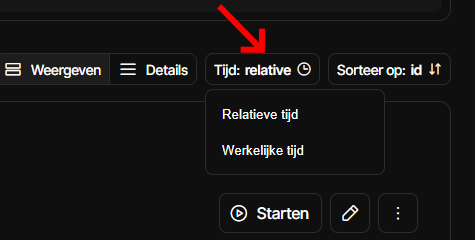
Time “relative” or “actual” should be translated to “relatief” or “werkelijk”
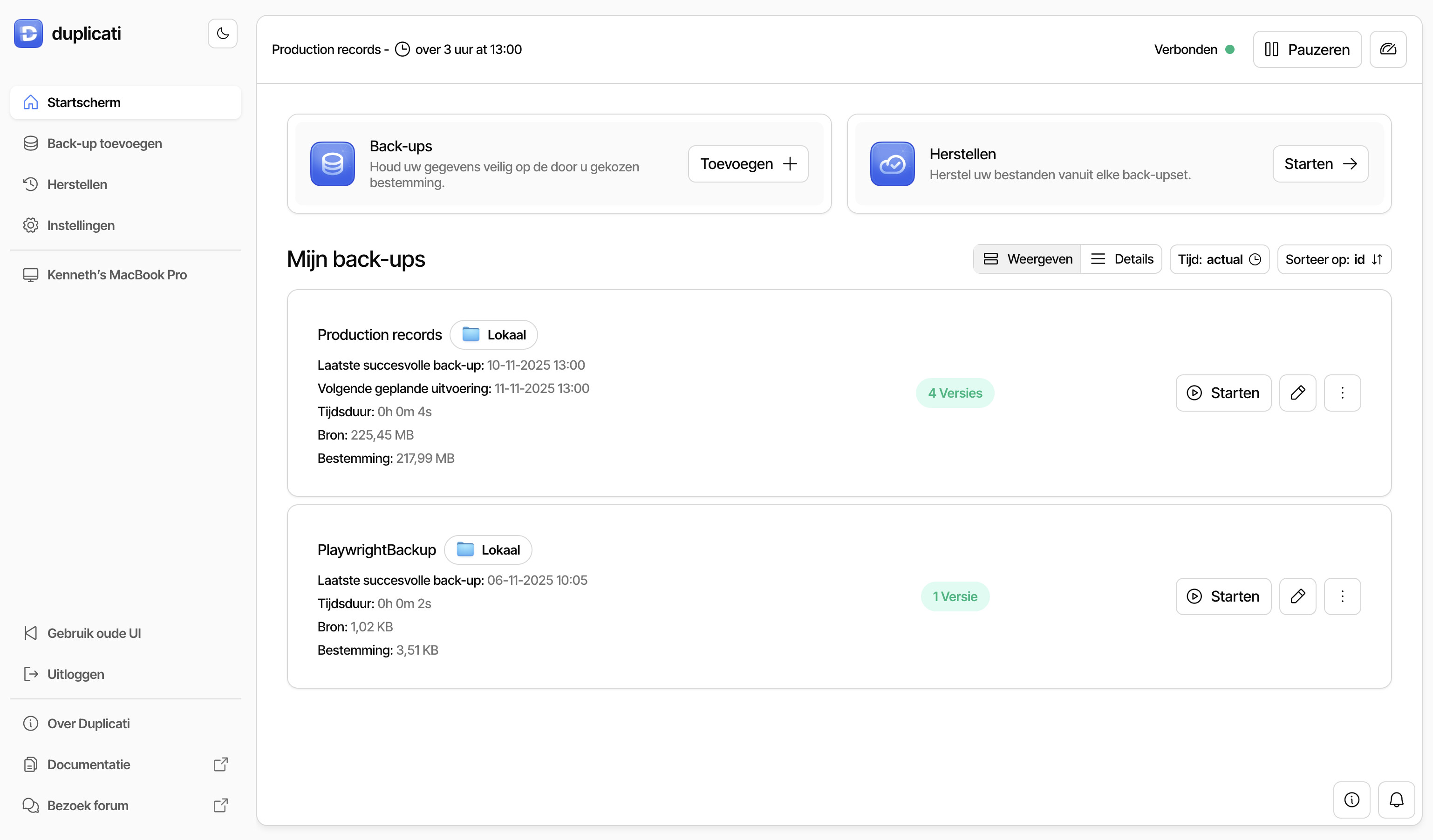
I had this issue with every Duplicati installation. All installations are on Windows 11, with Duplicati 2.2.0.0 installed as a Windows service. On all web browsers (I’ve tried Edge and Chrome locally and Safari on a Mac over the network), about 50% of the translations were not applied, whether or not in Incognito mode.
After upgrading to the latest version 2.2.0.1, everything works as expected: after hard refreshing the page, all translations are applied.
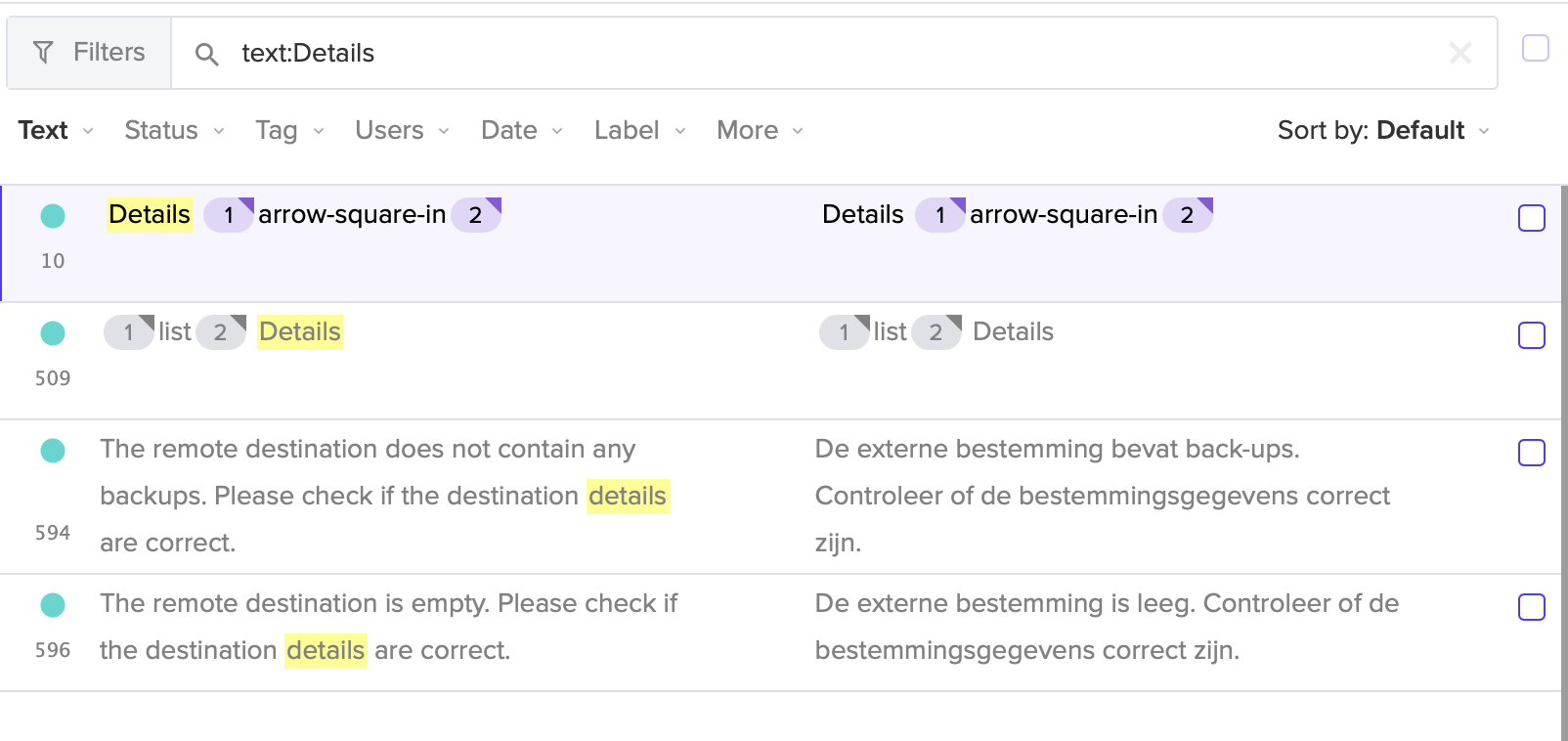
Note that “Details” is the same word in Dutch, so it may look that this word is not translated, but probably it acually is.
Latest Transifex additions are translated to Dutch, so “relative”, “actual” and “at” should be translated in a later version. “List” was incorrectly translated to “Weergeven” (verb), this has been corrected to “List” (noun).