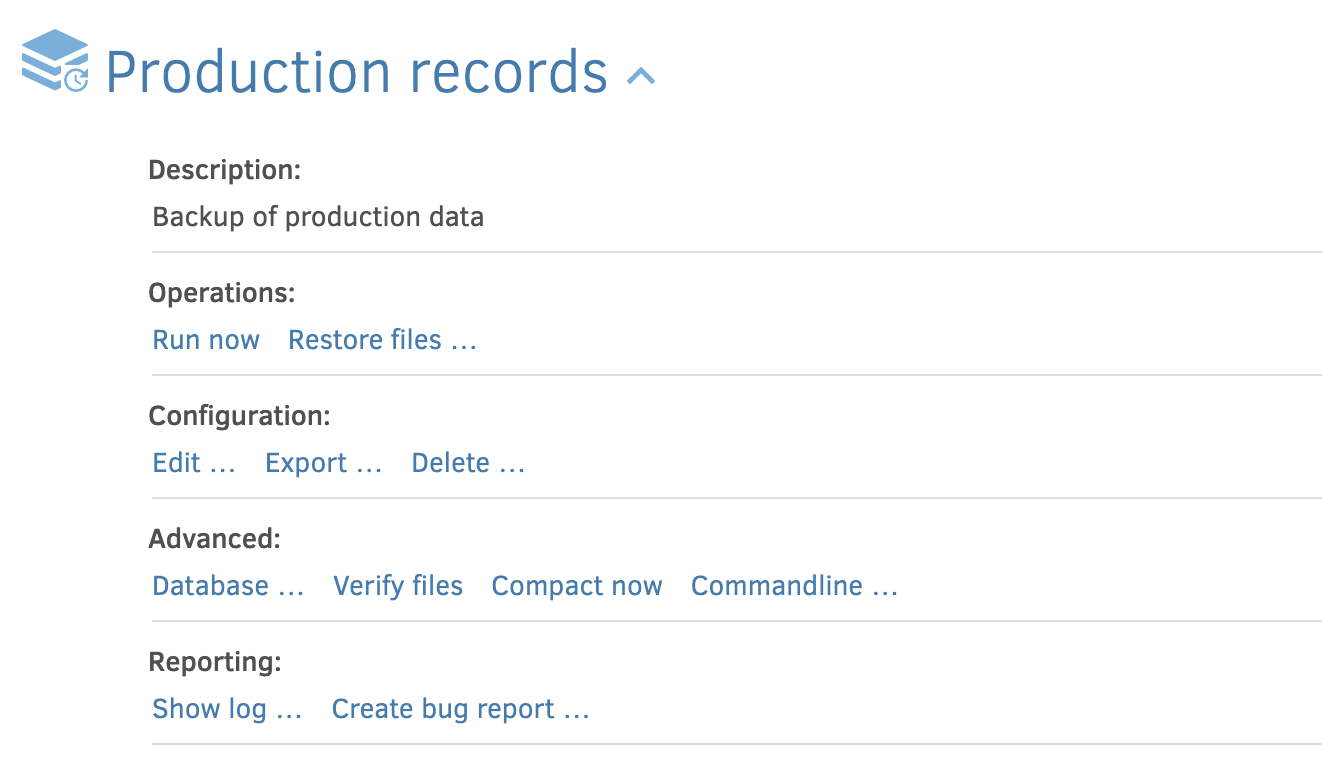
In the new UI, what is the equivalent to “Reporting: → Show log” under a specific job in the old UI? I expected it in the 3-dot menu of a job in the new UI, but no luck.
Same question for the old “About → Show log”.
Documentation only tells me about how to send reports, but not how to display them in the new UI.
While the taskbar icon indicates an error (white x on red) I see no signs of an error on the home page of the new UI, let alone a link to details.
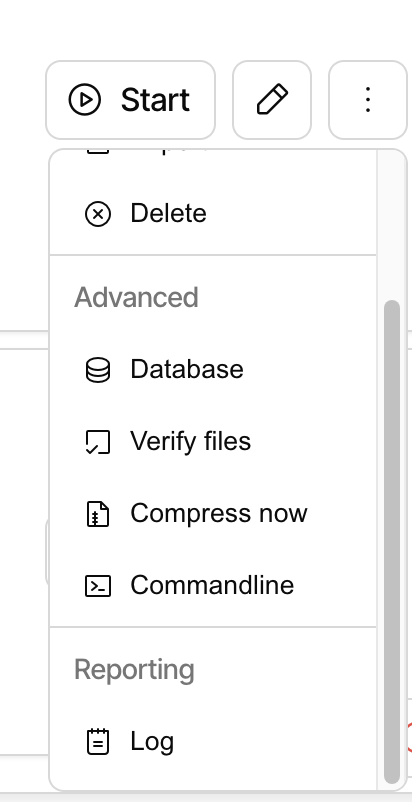
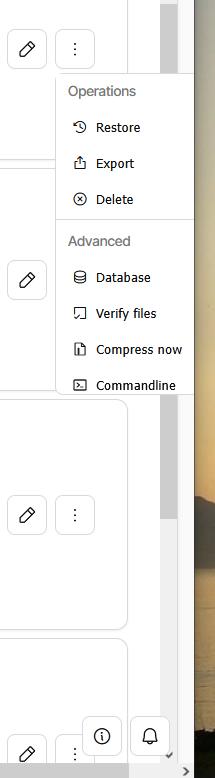
There is indeed a Log entry there, maybe you need to scroll?
We are looking into different ways to do the menu, because it is a bit clunky with so many actions in there.
You can sometimes scroll without the scrollbar, e.g. with up and down arrow, or using a mousewheel or possibly two-finger trackpad scrolling. I’m surprised that getting the job away from the bottom doesn’t fix this. It does for me, but YMMV.
In good news, today’s 2.2.0.101_canary_2025-11-20 seems better on this so far.
The Waterfox browser has the same issue, where the overflow menu is shifted to the right and the scrollbar is cut off, as shown in the image shared by Eni_Ki. Waterfox is currently based on Firefox ESR 140.9.
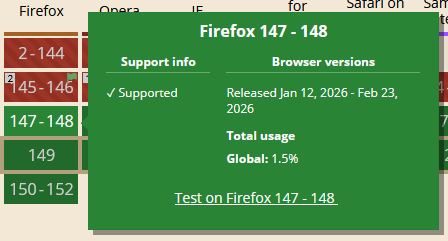
I tested the latest Firefox version 149.0, and the issue seems to be resolved in the browser. It shows the overflow menu the same way as Chromium browsers, where the scrollbar is visible.
A (hopefully) simple mitigation for this would be eliminate scrolling in the overflow menu. Show the Reporting section without scrolling.
https://github.com/duplicati/duplicati/blob/release/beta-2.2.1.0/Duplicati/Server/webroot/ngclient/package.json
looks like it got ngclient 0.0.207 and is a Stable release candidate described at Release: 2.2.1.0 (Beta) 2026-03-05
https://github.com/duplicati/ngclient/blob/main/package.json
0.0.207 was Feb 20, so it seems like it should include the fix claimed on Feb 16.
Since the non-ESR Firefox already has the needed feature, the only people who can test workaround for browsers lacking it are those on one. Care to test it out?
Thanks for the info. I tested 2.2.1.0 (Beta) and it looks good in Waterfox 6.6.10, which is based on Firefox ESR 140. The overflow menu looks the same as it does in Firefox 149 or Chromium 146.
For reference, here is the Firefox ESR release schedule. Note that ESR releases based on version 153 will be available starting in July 2026, and the version 115 and 140 branches are expected to be retired by October 2026.
 - I knew it was simple …