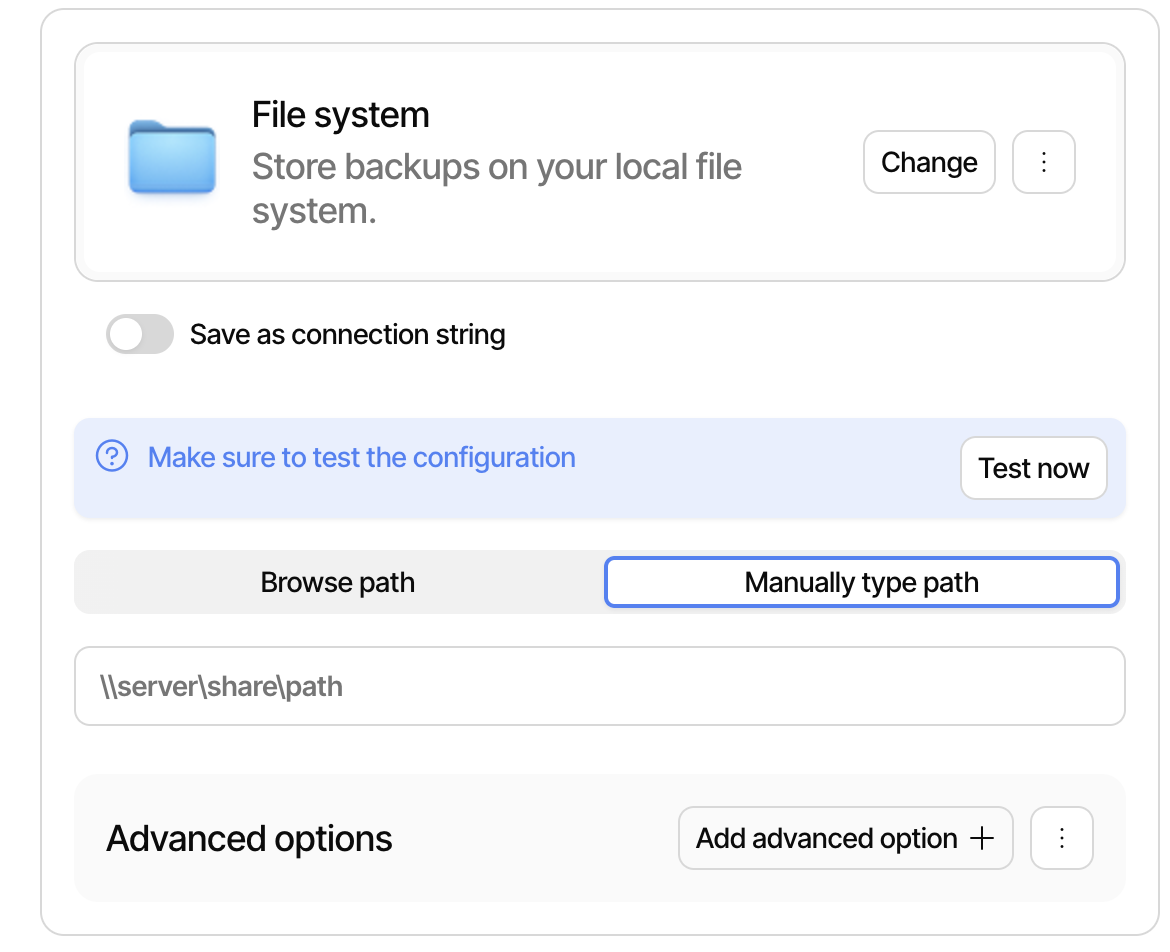
I use Duplicati running as a service and start the backup via an export.
With the newer versions, I’ve run into a problem where the network path is modified during configuration, causing it to stop working when using the export.
Here is an example of what I mean. I want to target this Windows network path: \\NAS\NAS-Freigabe\Ordner\
However, Duplicati converts it to //NAS/NAS-Freigabe/Ordner/
But in the export file, it appears as: %5C%5CNAS%5CNAS-Freigabe%5COrdner%5C
How can I configure Duplicati so that the path is handled correctly?
This looks correct. The %5C is the backslash (\), so all good there.
When do you see that the url changed to use forward slash instead?
Is it only happening when you import the file? Or does it also transform the path when saving a backup?
When I configure the backup and check the path, everything works fine. However, as soon as I save the backup, the GUI alters the path.
Consequently, when I run an export via the command line, the path is no longer readable by the command line. The backup works within the GUI, but the command-line export fails unless I manually adjust the path.