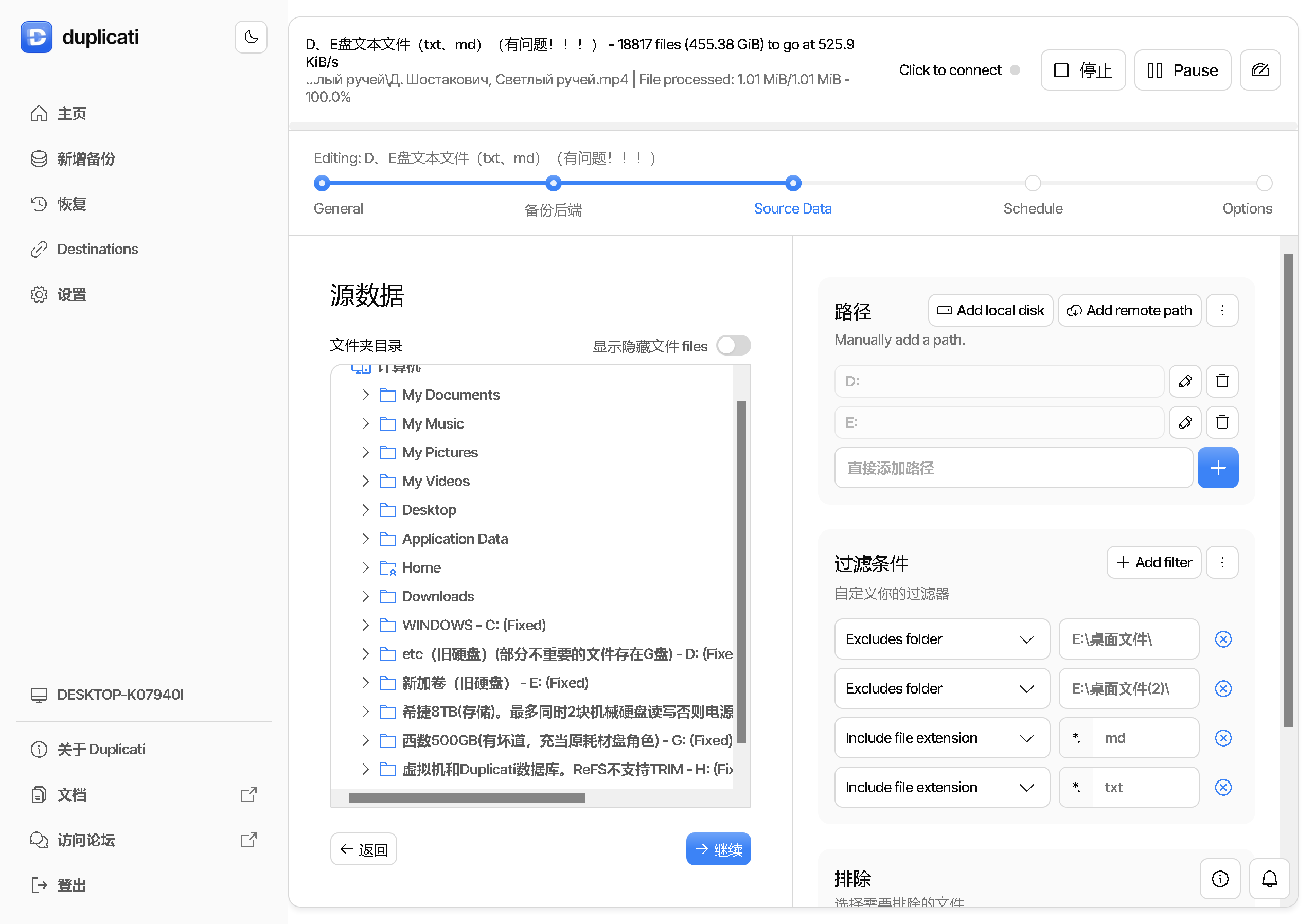
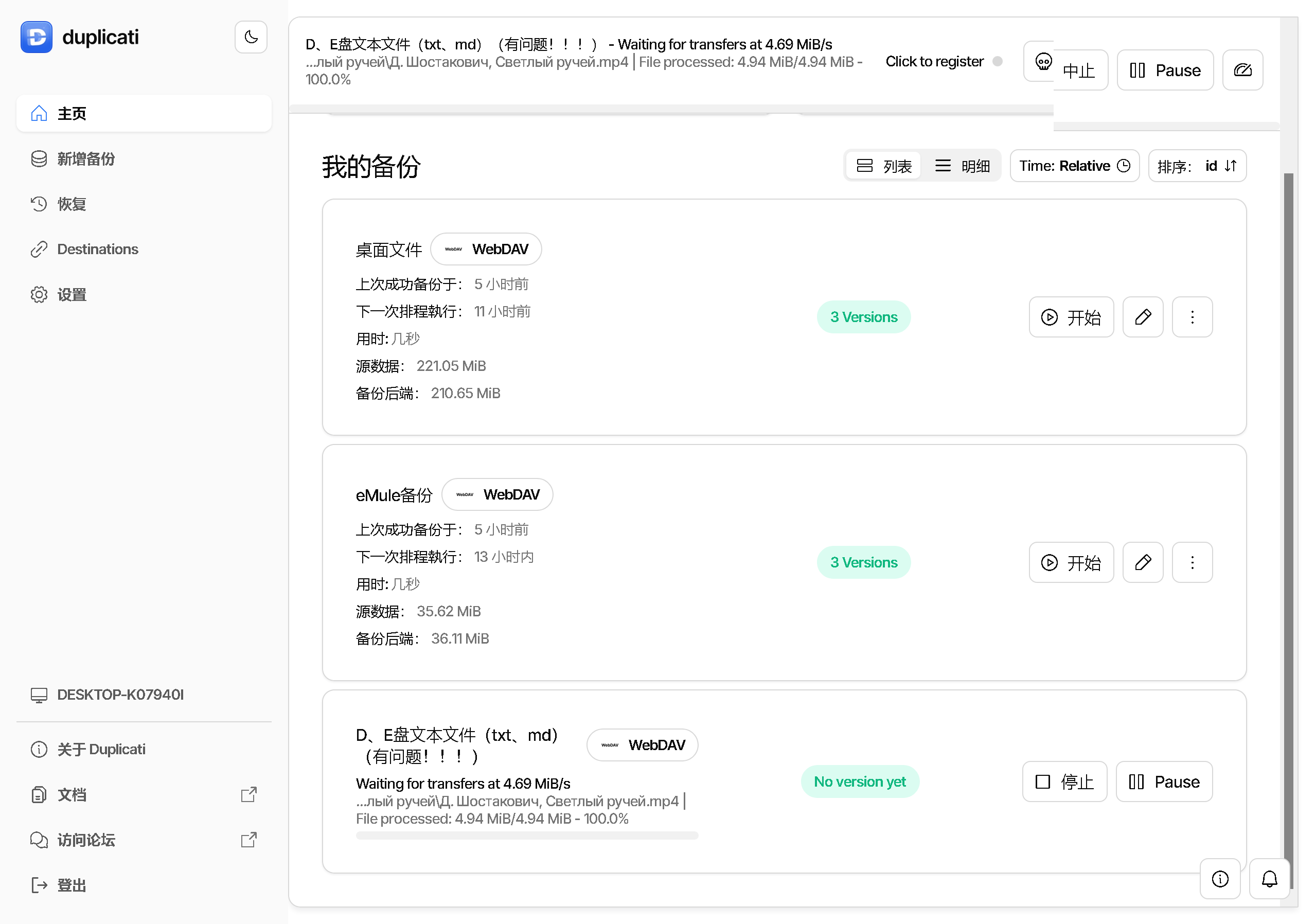
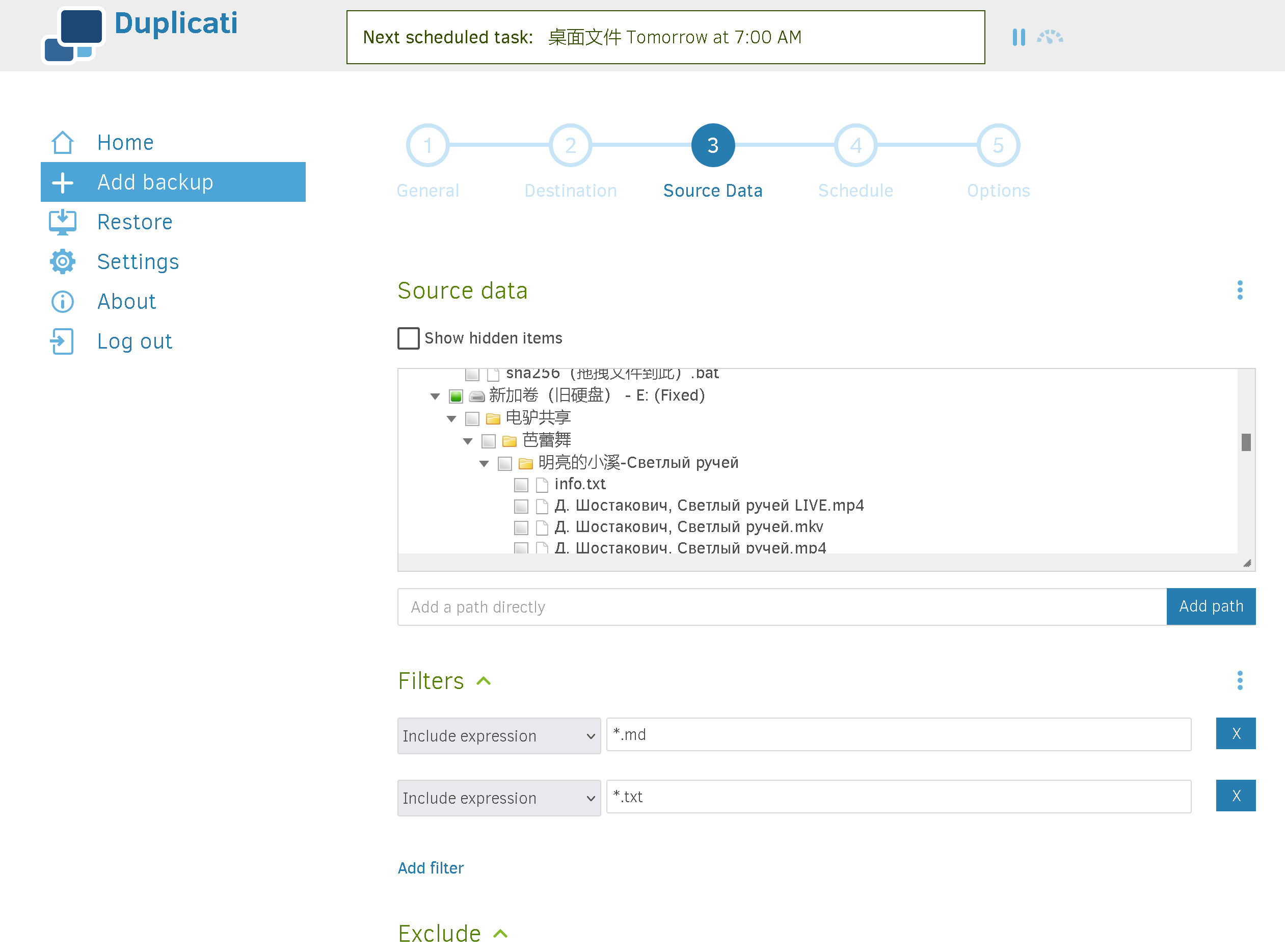
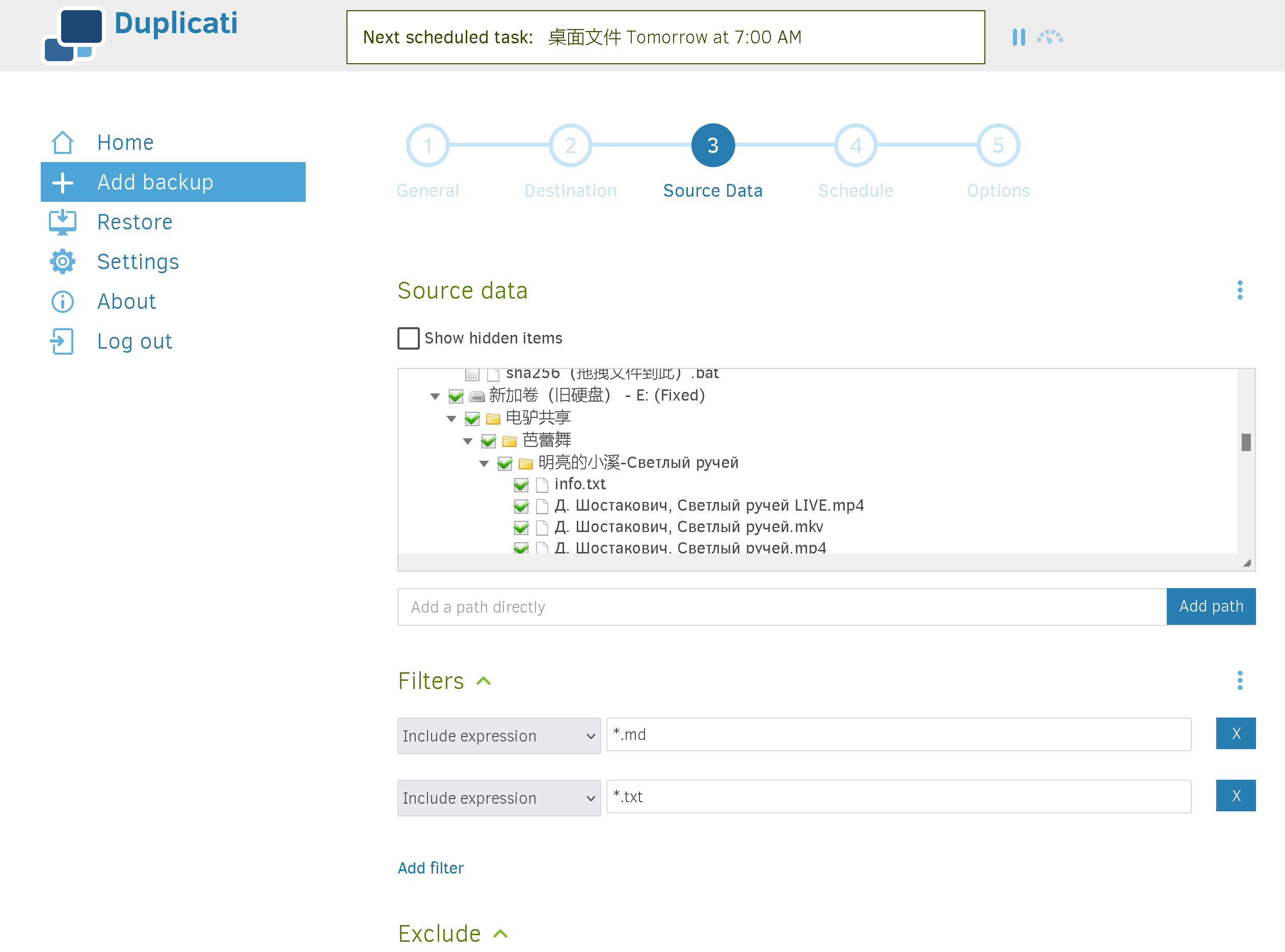
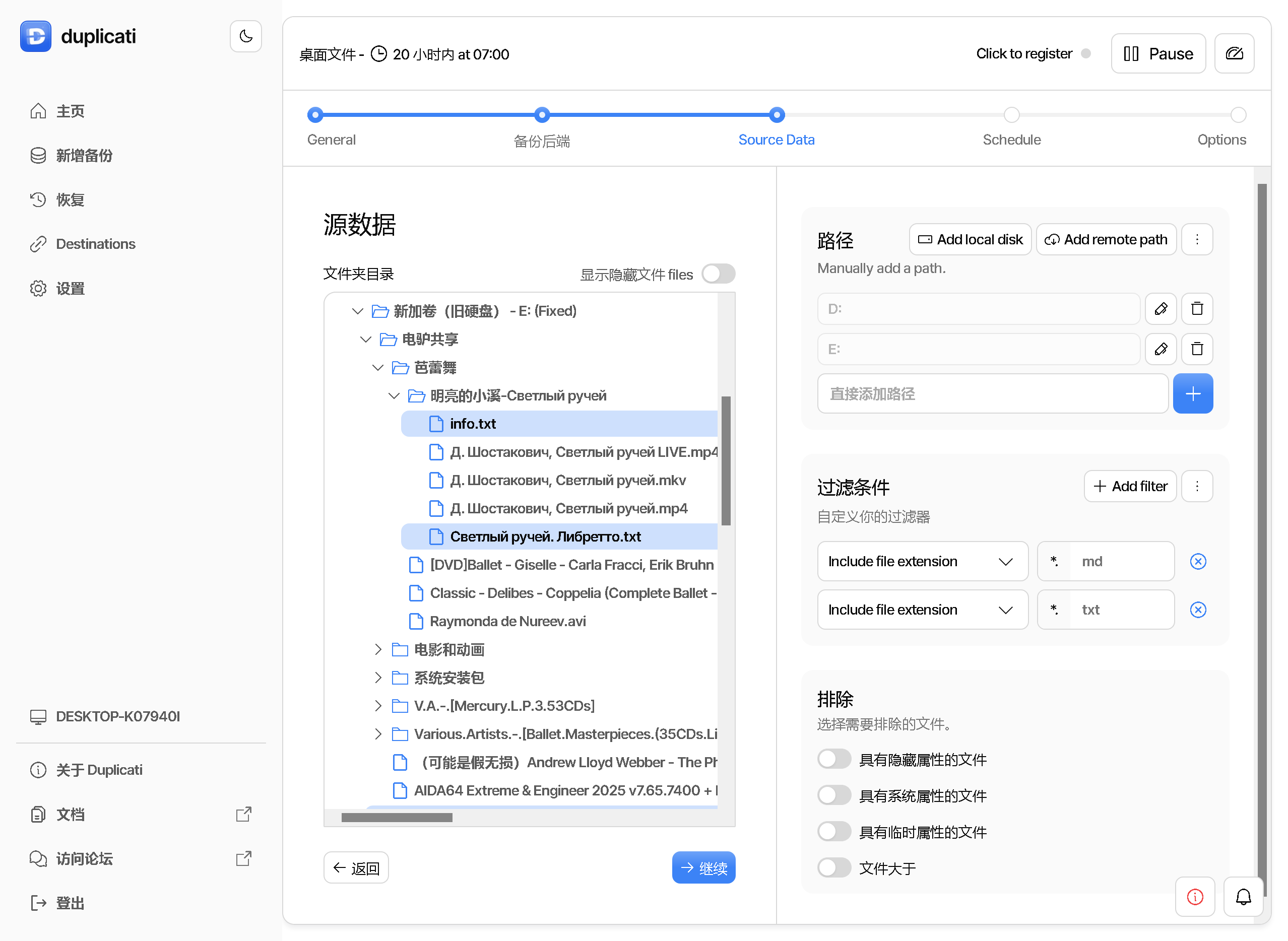
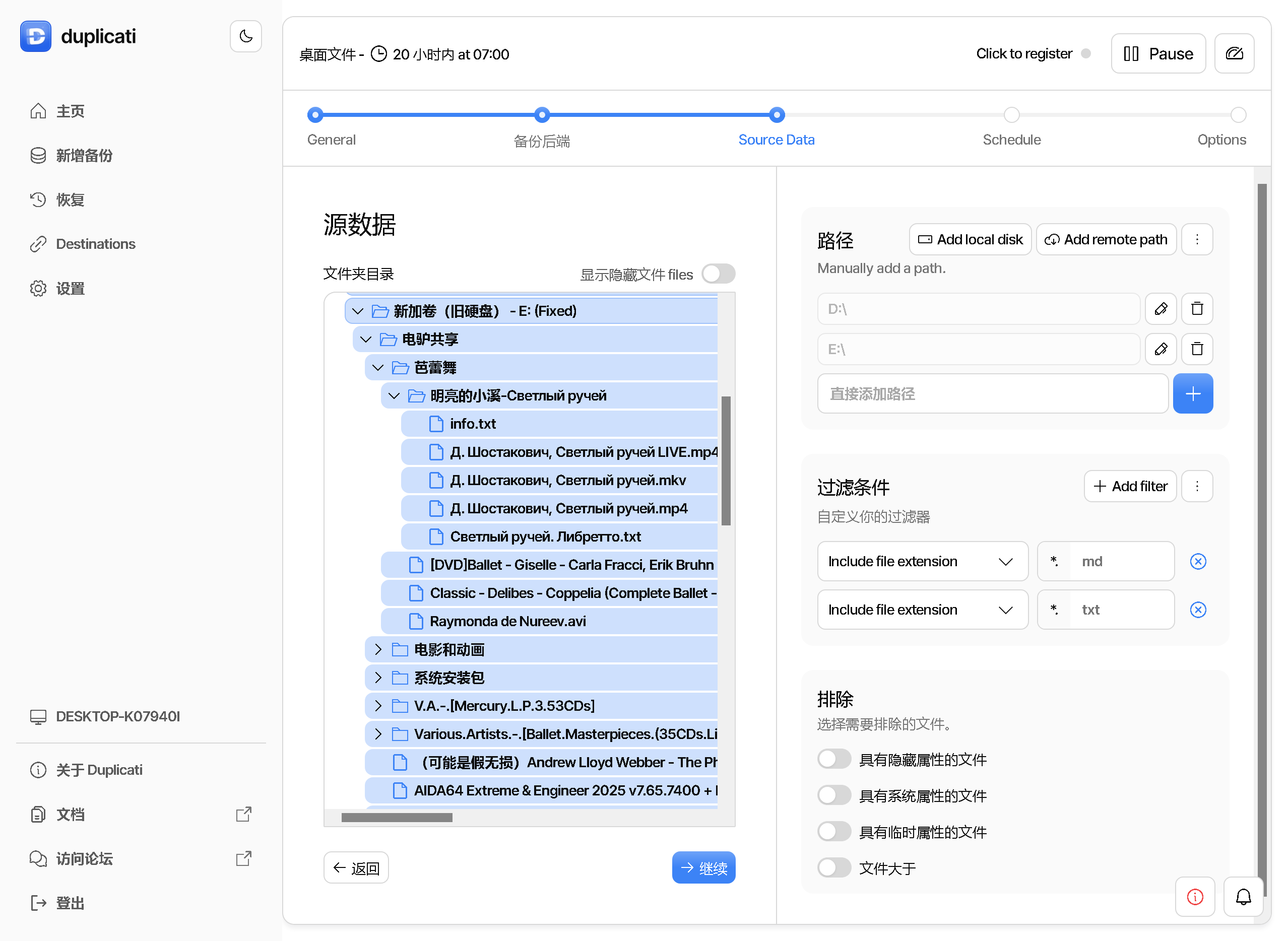
I create filter to backup .txt and .md files on my D, E partitions (less than 100MB), but I don’t know why, duplicati uploads quite lots of data (several hundreds MB) on my WebDAV drive, and it trys to uploads .mp4 files, which doesn’t included in filter.
Using a combination of exclude and include filters, intention gets unclear.
Since it’s not in a filter to include or exclude, Duplicati will include. It’s safer.
If you use only include filters, Duplicati is willing enough to exclude the rest.
The current documentation doesn’t detail this, but the old manual describes:
Per default, all files and folders will be backed up. That means, if no rule matches, the file or folder will be included. In the special case that all rules are include rules (which does not make sense when all files and folders are included per default) Duplicati assumes that all other files and folders are meant to be excluded (this had to be defined as another rule in Duplicati 1.3 but most people found that confusing so we changed that in Duplicati 2.0).
There is also a forum Article (rather hard to find) suggesting how to solve this:
Include some files, exclude others. …
To make the including rule effective an additional rule is required that excludes all files that do not match any of the current rules. The filter must say “exclude this, exclude that, include this but nothing else”. The best rule for “but nothing else” is a regular expression that excludes all files. It is -[.*[^/]] on Linux or Mac, and on Windows the rule is -[.*[^\\]]. The rule says “exclude everything that is not a folder”.
A useful filter test tool that is also not mentioned in the new filters manual:
Thank you for your reply! It works, now the only problem is how to exclude the empty folders (i.e. folders which don’t have files to backup).
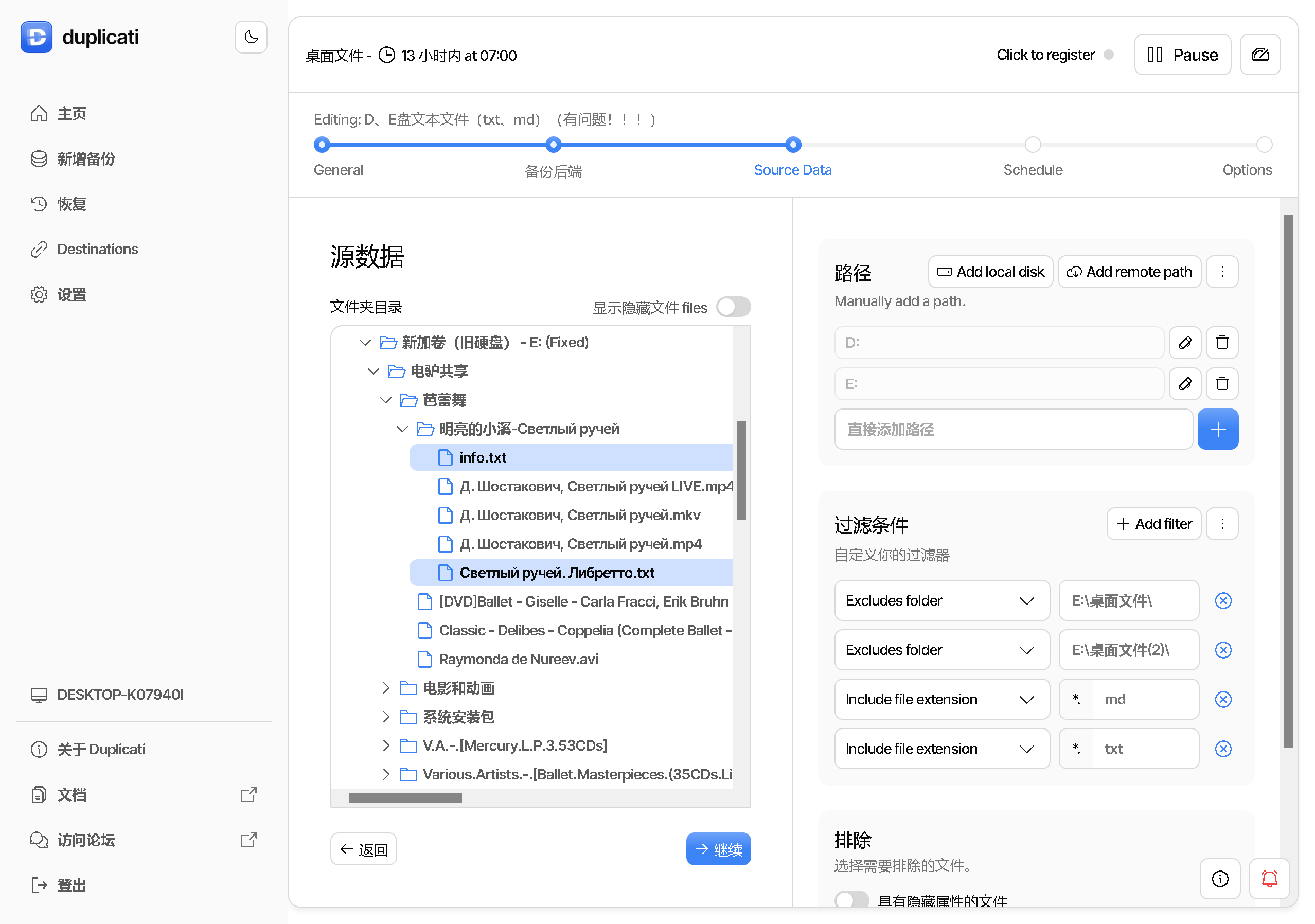
By the way, I think here’re a bug that Duplicati GUI doesn’t properly show which files will be backup. In the first post, it shows that it will only backup *.txt and *.md and misleading me. Maybe I need to file a bug on Github issue tracker?
The filter must say “exclude this, exclude that, include this but nothing else”. The best rule for “but nothing else” is a regular expression that excludes all files. It is -[.*[^/]] on Linux or Mac, and on Windows the rule is -[.*[^\\]]
That’s the best way to track any issues. The forum isn’t really suited for that.
The GUI view has always been an approximation, especially in exotic cases
such as regular expressions (where JavaScript is slightly different from C#).
If you can use Settings to see if legacy UI does better, that would be helpful.
That is not possible with filters. You can use the advanced option --exclude-empty-folders=true to exclude those.
Yes, you can create an issue.
We are aware of the issue and it happens because we currently evaluate the filters in the browser (for speed), but there are subtle issues where the browser logic and C# logic differ, causing it to show incorrect inclusion status.
The only real fix is to move the evaluation into the C# code so we loose a bit of speed but get accurate display.
I mentioned the regex differences. Is it possible to summarize others?
Some of what I’m seeing seems more than subtle, but it’s a judgment.
I don’t know if parity with old UI JavaScript work would be reasonable.
EDIT 1:
The C# work does seem remarkably complicated. I’m often surprised.
When in doubt, I use test-filters, but the results can surprise me.
One recent one was the combo of ? and * in wildcards. Unpredictable.
It’s also not clear how the slash ending for folder works with wildcards
or regexes. In testing, a trailing * seems to be considered a folder rule.
EDIT 2:
It also seems to be considered a file rule, at least in C# test-filters.
Maybe a rule should be thought of in terms of what path it could match,
but that way works better in C# and legacy GUI than it does in new GUI.
EDIT 3:
… except when it doesn’t. Legacy GUI is better on trailing question mark.
See if it looks better under the same conditions if you use an E: from GUI click.
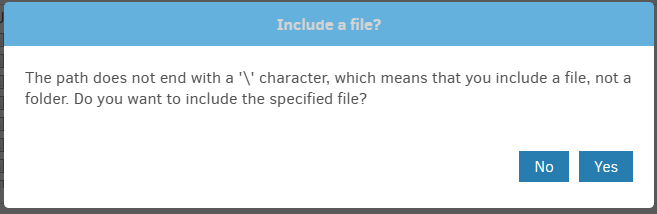
Alternatively edit the (manually typed?) E: to E:\ which old UI says is a folder:
New UI seems to not check, and I’m not sure if a rule is documented for Source.
Backup appears to work either way, but the new UI highlighting works differently.
In other news, new UI wrongly seems to treat a regex as unanchored on its right.
See if it looks better under the same conditions if you use an E: from GUI click.
Alternatively edit the (manually typed?) E: to E:\ which old UI says is a folder:
You changed the test compared to original, because excludes were removed.
This changes expected behavior according to my first post about the old doc.
FWIW in new UI the E: looks right to me, as it uses the implicit exclude rule.
IMO there shouldn’t be the dramatic highlighting difference that you’re getting.
Neither backup nor test-filters seem to actually care about slash on drive
which makes me wonder if old UI warning is something historical. Maybe we’ll
hear an opinion from the developer on history and expected new UI highlights.
Meanwhile, I filed a couple of other ngclient issues:
EDIT 1:
Second issue found a bunch of other oddities that might explain original issue.