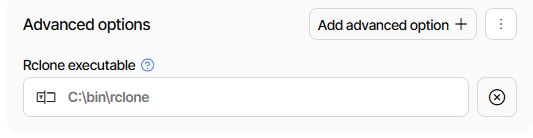
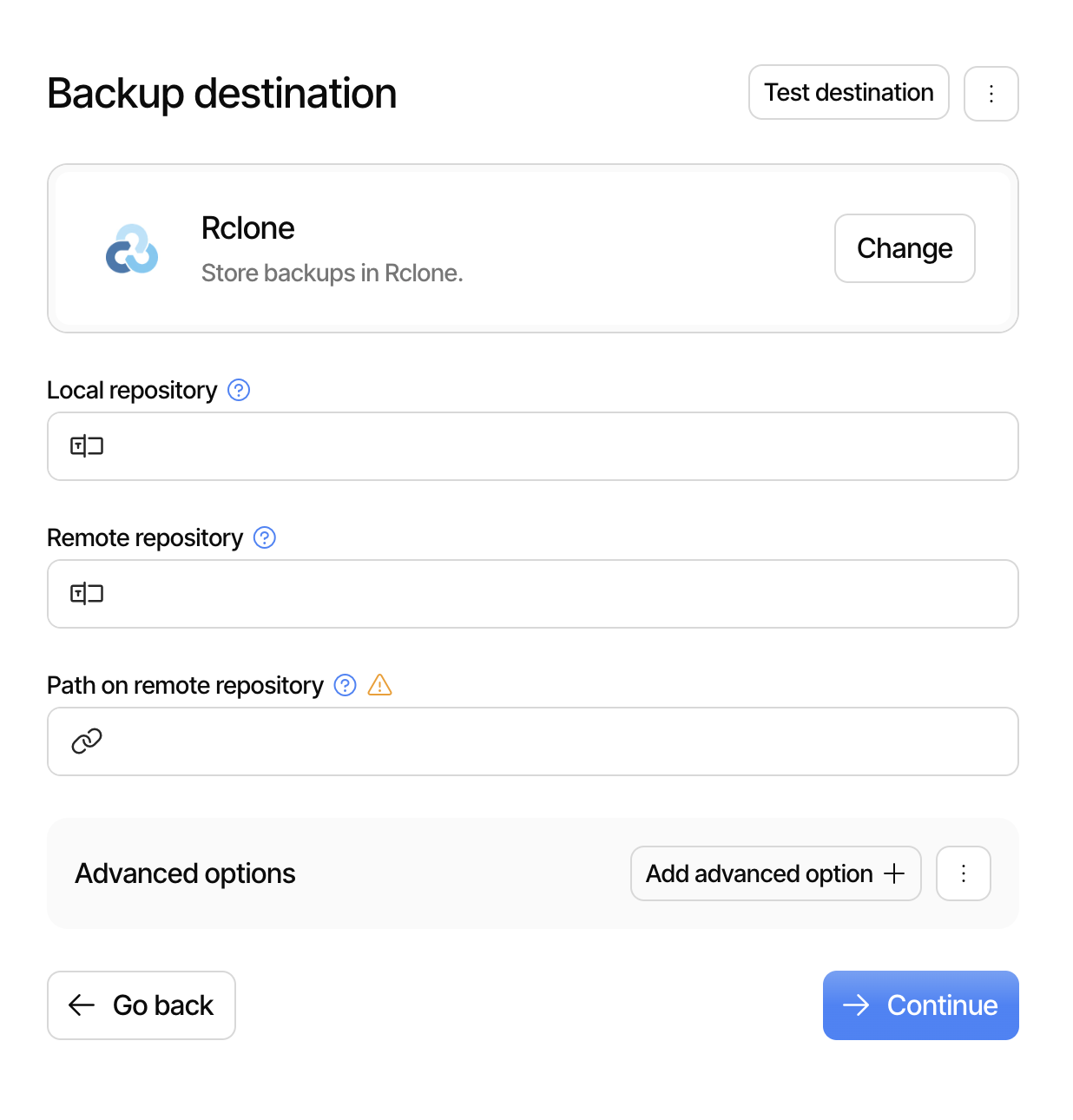
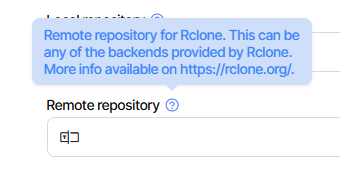
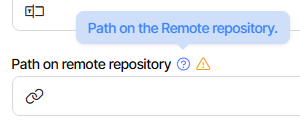
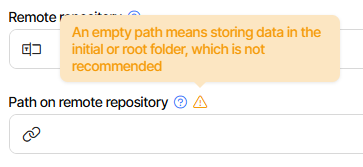
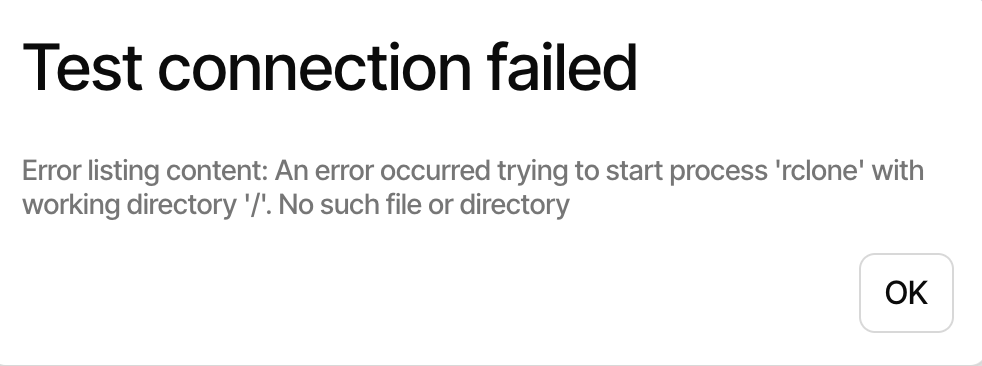
I assumed “Local repository” is just the path to my local folder, and “Remote repository” is the path to my remote folder, etc. But it doesn’t seem to be that, because I get this error when I do that and click on “Test destination”:
Rclone Destination Duplicati docs link to the rclone site for rclone background.
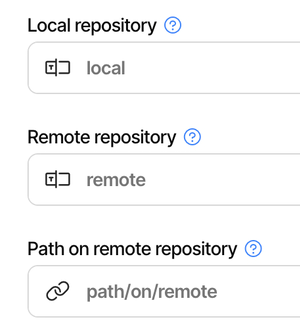
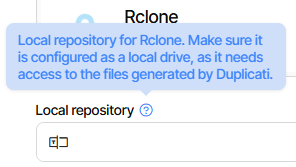
Short answer is local and remote repository are what rclone calls a remote.
An rclone remote can be a local filesystem. Duplicati wants that remote name.
I think it defaults to local if not in GUI, but you still need that set up in rclone.
Please see the pictorial example in the manual, especially about remote folder:
For consistencies sake one can also configure a remote of type local in the config file, and access the local filesystem using rclone remote paths, e.g. remote:path/to/wherever, but it is probably easier not to.
Not knowing about the direct use option, Duplicati took the consistent approach.
I just made a remote of type local, named it local, and gave it to Duplicati.
That’s from newer Duplicati because it’s broken in 2.2.0.3_stable_2026-01-06.
Easiest fix is if you can put rclone executable somewhere that PATH will see it.
Are you starting Duplicati as you or systemd root service? PATH likely differs.
You might be able to see PATH using the e option on ps, but I haven’t tried.
Google for
what path does systemd set for services
gave me advice on how to change the systemd unit file for PATH environment.
Alternatively you could do something like symlink from an extremely likely spot.
I’m not a systemd expert. Can’t even immediately find the default PATH it gives,
however feel free to try this yourself if you think a bad PATH might be the cause.
Unfortunately, I barely understand any of this I am not even a tech beginner, but if it takes a lot of commands and troubleshooting, it will simply discourage me from using Duplicati. I can already barely understand the Duplicati docs, that’s why I came to the forum, hoping to find a more beginner-friendly answer. I think for now, until this is made more accessible, I will just use a GUI version of Rclone.
If it’s a path problem (no details to say), I suspect GUI bug is fixed in next Stable,
because it seems already fixed in 2.2.1.0_beta_2026-03-05 which is a candidate.
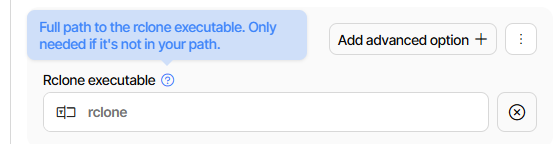
You then tell Duplicati where your rclone is. For example, on this PC mine is here:
I doubt that the Duplicati team will ever try to track all the changes rclone does.
Configuration by rclone config or a GUI you find can be used to config remotes.
Once you have set up an rclone remote, just tell Duplicati the name you picked.
Keep in mind that rclone remotes are per user, so switching can cause problem.
Even rclone has long had trouble coming up with GUI, but I see a new one out.
Please note that rclone is not backup software. It doesn’t keep old file versions.
If virus or manual accident damages some files, going back may be impossible.
I assume your remote is not one Duplicati supports, thus forcing you into rclone.
If the Duplicati destination is directly supported, you should usually just use that.

 I am not even a tech beginner, but if it takes a lot of commands and troubleshooting, it will simply discourage me from using Duplicati. I can already barely understand the Duplicati docs, that’s why I came to the forum, hoping to find a more beginner-friendly answer. I think for now, until this is made more accessible, I will just use a GUI version of Rclone.