No how-to just yet.
It works by clicking the “Add local disk” when picking the source:
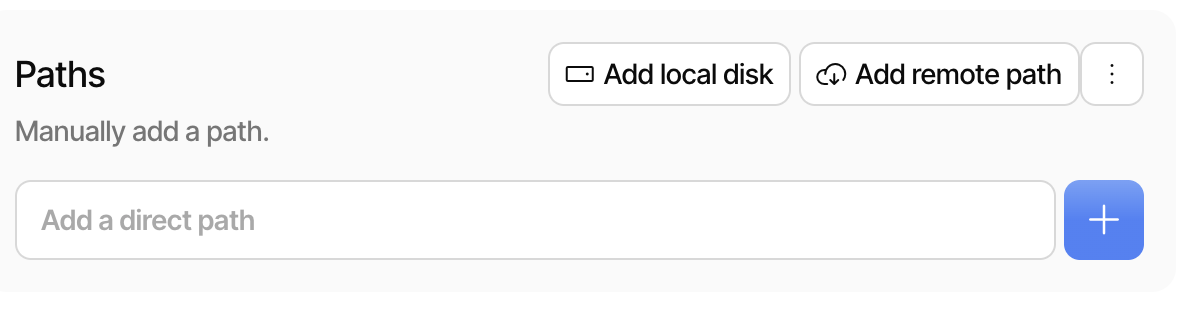
(You need admin permissions to access the disk this way).
To restore, you need the target disk to be offline (i.e., boot into a live/recovery environment).
That is exactly what it is: full disk backup, including MBR, partition table, etc.
It is prominently mentioned as “Full Disk Backup”:
- Release: 2.3.0.0 (Stable) 2026-04-14
- Duplicati 2.3 (Stable) – Now with SaaS Backups, Multiple Destinations, and major pricing updates!
I think that is still the most prominent open-source solution, but IIRC, it requires that the disk is offline when you make a backup?