Excuse my ignorance, but can the new version of Duplicati perform a full partition or image backup of a Windows PC? If so, is there a guide on how to do this? When creating a backup job, I don’t see an option to select the entire partition or computer.
The more interesting guidance might be on uses, e.g. for disaster recovery.
How much hardware change can be tolerated and still keep old OS happy?
There also needs to be some sort of an OS booted in order to run Duplicati.
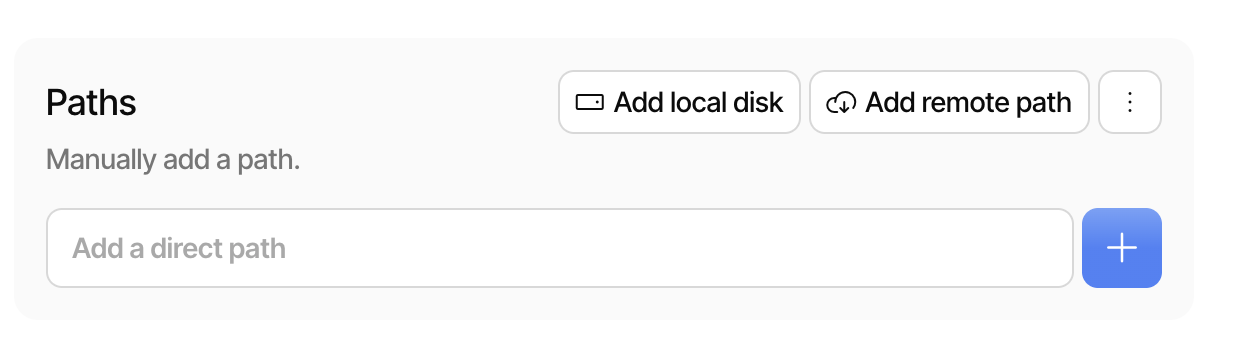
Thank you. I used the “Add local disk” feature and successfully added the disk, but when I run the backup I get the following errors:
2026-05-03 09:24:02 +02 - [Error-Duplicati.Library.Main.Operation.BackupHandler-FatalError]: Fatal error
UserInformationException: Failed to load source provider for "diskimage://%5C%5C.%5CPHYSICALDRIVE0": Failed to initialize disk: \\.\PHYSICALDRIVE0
2026-05-03 09:24:02 +02 - [Error-Duplicati.Library.Main.Controller-FailedOperation]: The operation Backup has failed
UserInformationException: Failed to load source provider for "diskimage://%5C%5C.%5CPHYSICALDRIVE0": Failed to initialize disk: \\.\PHYSICALDRIVE0