Hi, I’m a first-time duplicati user.
On a ubuntu server 24, I backed up /root/ and /var/www/ to Google Drive (with encryption).
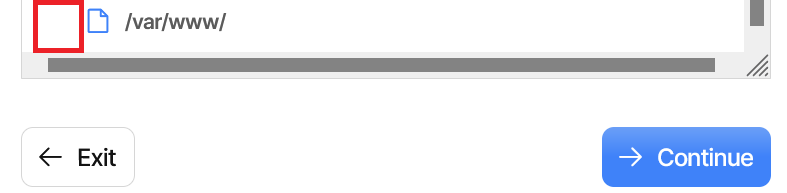
When trying to restore the backup on my Windows 11 PC, /root/ shows up as folder, however /var/www/ shows up as file (no arrow to show the contents):
There is an issue with showing the paths correctly in the UI, because it looks for / and \ which gets changed around when you switch between operating systems.
As you noted, this is only visual in the restore file picker, and the underlying code correctly handles cross-OS restores.
If you want to use the UI for the cross-OS restores, you can use the previous UI (named ngax), which is accessible via the Settings page.