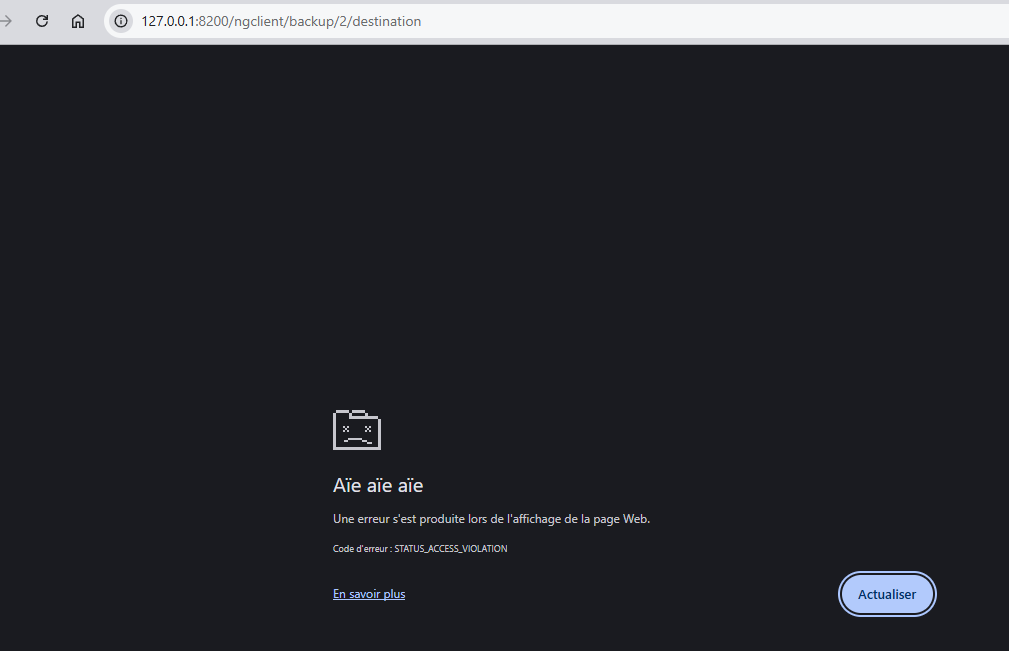
What operating system? What browser? Tried any other browsers? Results vary.
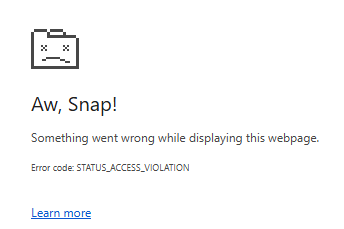
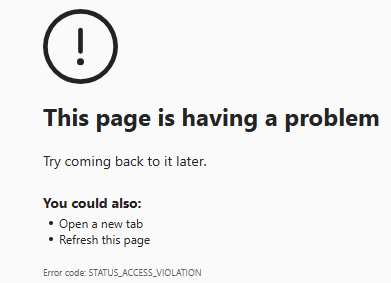
Chrome is similar to yours, Edge gives a different message, Firefox has no issue.
Problem for me is not over the field itself, but on left and right ends of its heading:

On some heading other than this, hover over red asterisk says “This field is mandatory”.
Hover over blue question mark in circle says a few words about the purpose of the field.
Server field begins that way, but page crashes when one moves mouse away from item.
Ordinarily this pauses briefly then removes the info. On server, it pauses then it crashes.
Is this how it behaves for you?
Windows 10 results:
Chrome:
Edge:
Developer tools such as Network and Console aren’t helping me. An expert might do better.
EDIT 1:
I don’t even need to have complete job. I just start a new one, and go to Destination screen.
Turning off extensions or using Chrome’s incognito mode, does not prevent the page crash.
EDIT 2:
After leaving offending item, if I can get back to it soon enough (fraction of a second), it lives.
This is more for analysis than workaround – clearly one has to move mouse away sometime.
EDIT 3:
Crash is cross platform. On Linux Mint 21.3, I happened to have chromium, and started it with
--temp-profile per its --help to try to be extra sure that it was nice and clean (I assume).
After the page crashed, it took awhile to report it, and my VM disk activity light showed writing.
As root, find / -mount -mmin -5 let me find recent files which were mostly logs plus a core.
/var/log/syslog had some not-meaningful-to-me data, but showed that chromium had crashed:
Oct 30 16:32:32 LinuxMint21 systemd-coredump[66631]: Process 66557 (chromium) of user 1000 dumped core
/var/log/kern.log showed it to be a segfault:
Oct 30 16:32:12 LinuxMint21 kernel: [159461.167802] chromium[66557]: segfault at 4 ip 0000556eaf9139c4 sp 00007ffe8ed13360 error 4 in chromium[556eaf64c000+c4ec000]
In recent files, this looked like a core dump:
/var/lib/systemd/coredump/core.chromium.1000.9b939861f2834694983eafe4fc615c59.66557.1761856332000000.zst
but even after pointing to the actual executable, gdb bt wasn’t giving sensible stack output.
Symbols weren’t expected, but addresses look odd. Possibly somebody else can do better.
I seem to have some ~/.config/chromium/Crash Reports/pending files needing special tools.
Presumably these are what the browser shows (but won’t let me read) at chrome://crashes/
Maybe someone else has experience with dealing with dealing with browser page crashes?