Hi,
I’ve created some backups locally (about 7TB on a USB docked HDD) then send this drive to a remote location accessible via SFTP.
Simple question: how to change the destination of the backup and reuse them for incremental backups? Main goal is of course to avoid uploading those 7TB again.
I found 2 options for this:
modify existing backups destination
create new backups with sftp server as destination and, during the creation process, tell duplicati that backups already exist on destination.
Which path is the correct one?
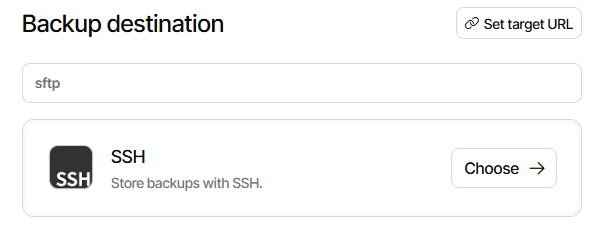
Side question: I can find SFTP as a destination in the old UI but this option is not available in the new UI. Why?
Either, but 1 is easier because you won’t have to recreate or copy job database separately from the job creation. I don’t think there’s a spot for it during creation.
Past and future use of USB HDD is unclear though. Is that usage being ended?