I have created my account with Duplicati and have installed the software. I also have an account with Backblaze B2 along with the Key ID & App ID. But there is no way for me to create that first backup. I would go to the old UI but there is no way to do that. How do I get the software to allow me to set up my first backup?
With what steps? With what error?. Did you 
Do you see this in the left bar on home page of new UI?
There is no button that gives me the option to “Use old UI”.
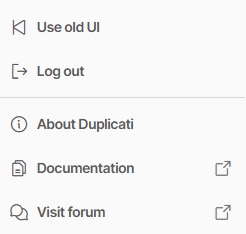
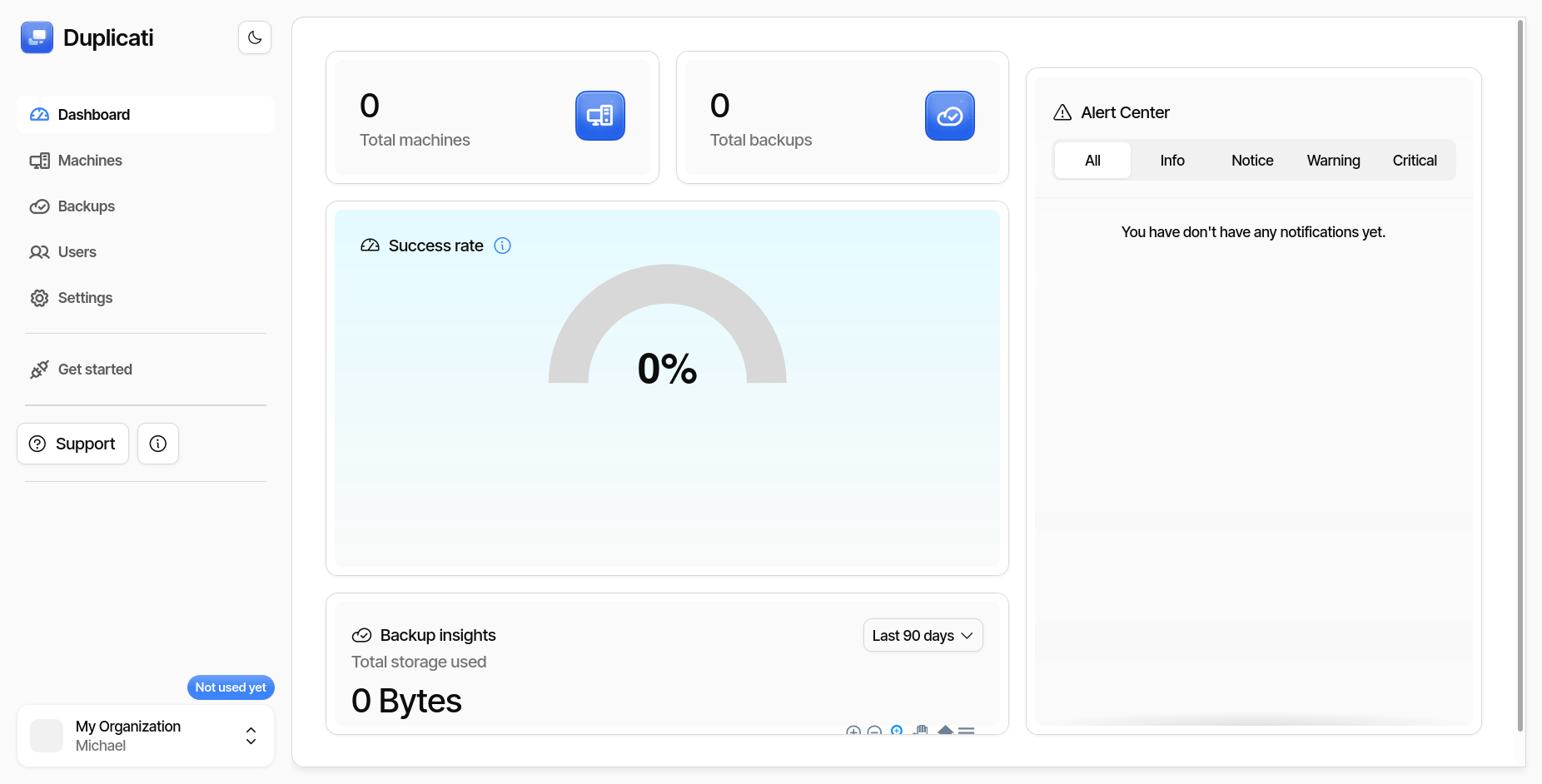
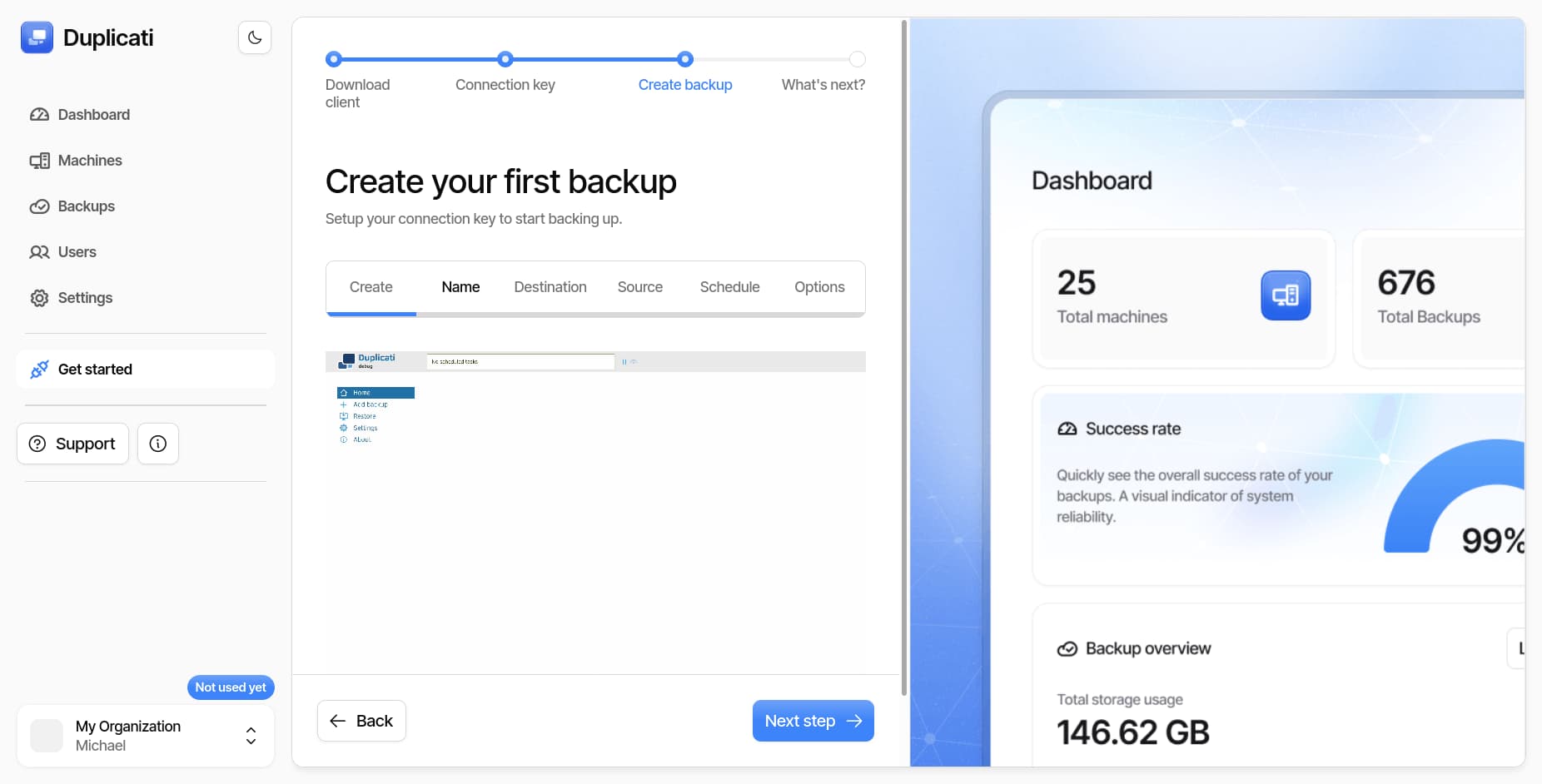
Oh. You’re not even browsing to your local Duplicati (generally at URL localhost:8200).
If you’re somewhere in https://app.duplicati.com, maybe someone else can advise.
I launched the Duplicati software again and it launched to the old UI so I’m in the process of getting this set up…I hope. Thanks
Monitoring with Duplicati Console is saying that’s for monitoring.
Looking at the screens at app.duplicati.com looks the same.
Duplicati Documentation has GETTING STARTED pages at top.
So on that one, you can switch with “Use new UI” on bottom bar,
or stay on the old UI if you prefer. They both cover similar things.
EDIT 1:
The Duplicati Console directions should clarify using the local UI.
EDIT 2:
I’m also just following docs I could find. I’m not discussing Agent:
The Agent requires an Enterprise plan
so presumably does more, but I don’t think I’ve seen latest details.