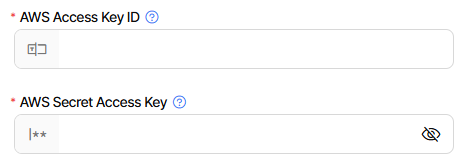
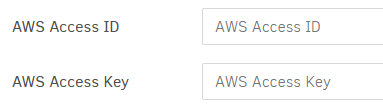
So both have a secret part, which is probably what you typed where the asterisks are.
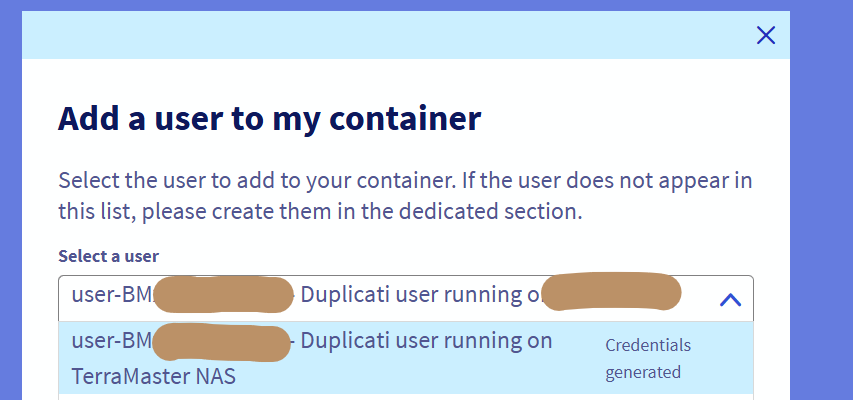
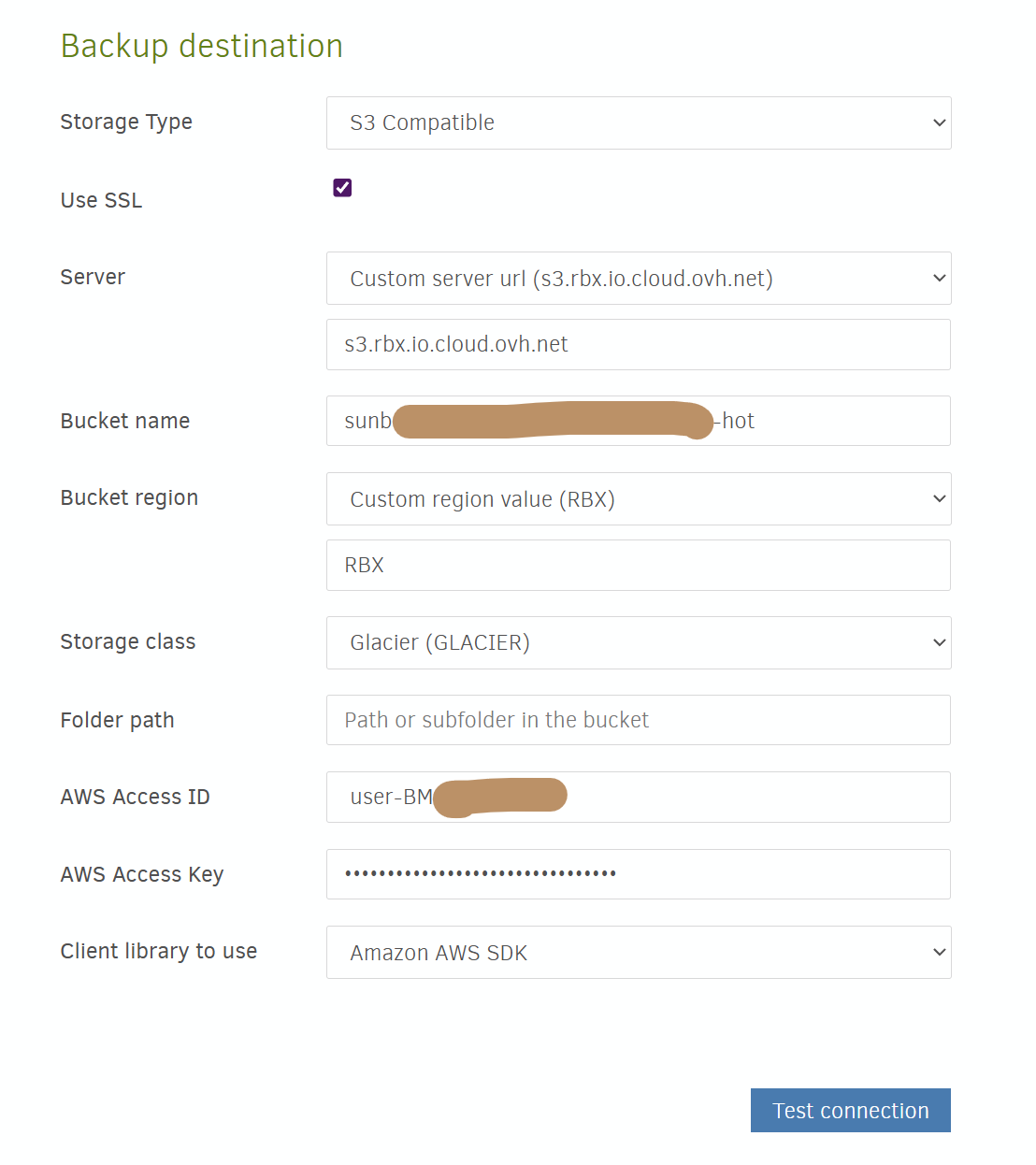
For “AWS Access ID”, it looks like you typed user, which may be an unknown S3 idea.
Have you tried copying the panel “S3 access key” instead of its “S3 username”?
If so, I’m not sure what’s up, and you might need to wait for an actual OVH user.
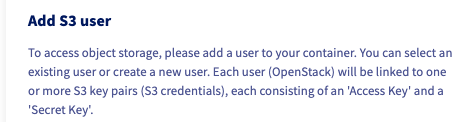
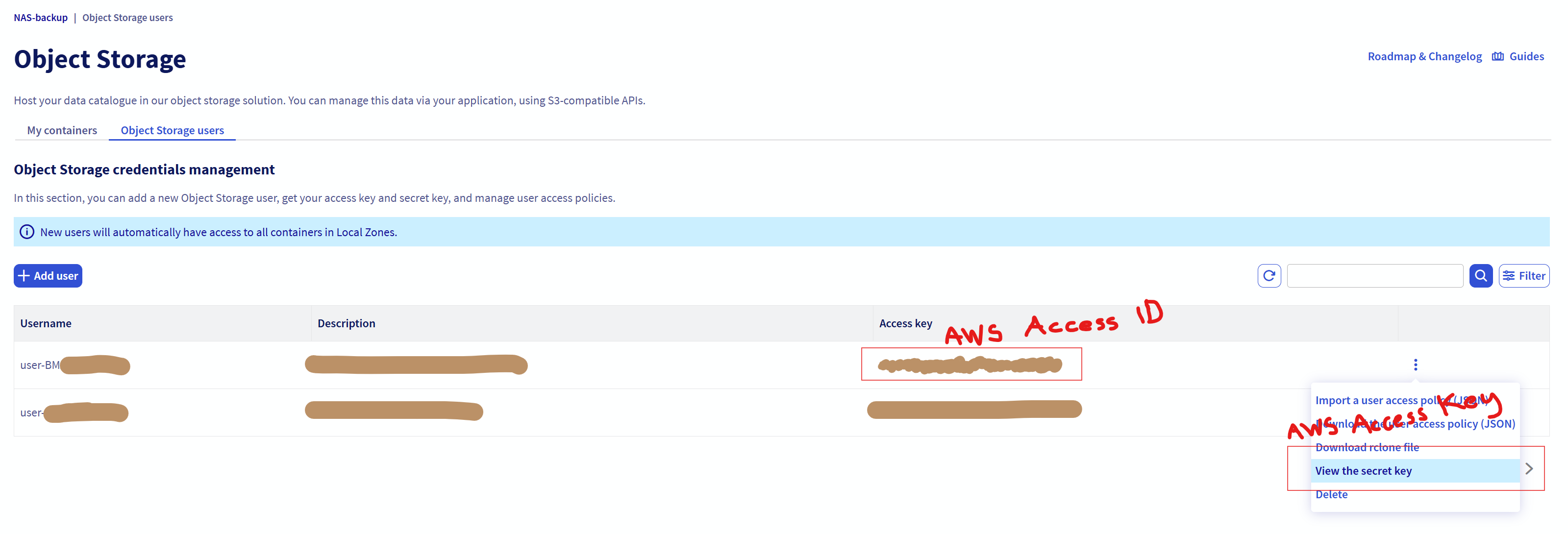
Here’s a bit of an OVH image that might explain the S3 credentials in its last line:
Variations in terminology have thrown people off, but usually there’s a secret part.
There’s also a one-to-one less secret part. User does not sound like a one-to-one.
Really appreciate the answer. There is a secret, which I had ignored since the “user” and “access key” had a perfect name mapping to Duplicati. I’ve not tried using “access key” from OVH as the username in duplicati and “secret” from OVH as “access key” in duplicati so will give that a go.
In the mean time would still love to hear from anyone successfully using OVH S3 compatible object storage as a Duplicati destination.
“S3 access key” to “AWS Access Key” is close. “S3 Username” to “AWS Access ID” isn’t.
Regardless, most authentication schemes are based on secrets, and a secret is required.
I don’t like the tags that Duplicati puts in the GUI, so I checked, and new UI has improved:
s3://<bucket name>/<prefix> ?aws-access-key-id=<account id or username> &aws-secret-access-key=<account key or password> &s3-servername=<server ip or hostname> &use-ssl=true
There are certainly similarities to username/password, but OVH adds non-S3 username.
The old UI in latest Beta still has the terminology I don’t like that deviates from S3 terms: