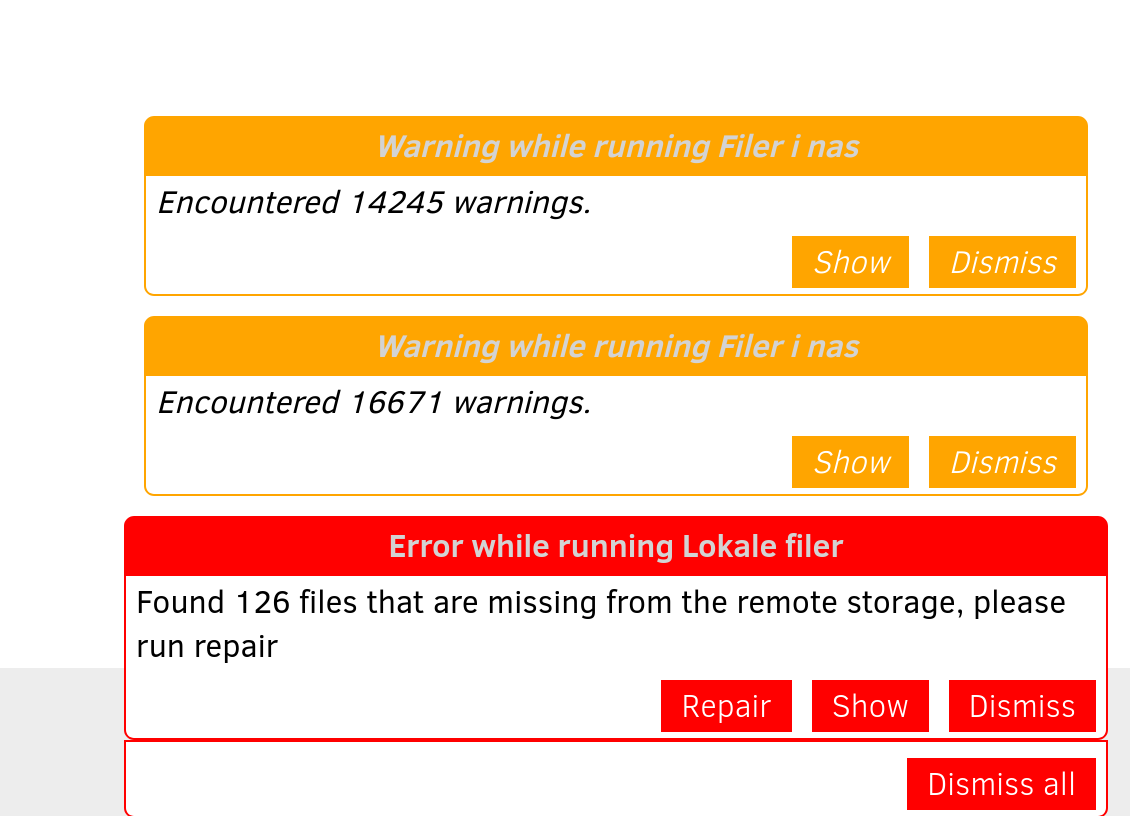
The path from the Show button is pretty easy, but it always goes to the job logs, described in manual as
Viewing the log files of a backup job, but Viewing the Duplicati Server Logs is the harder one to discover.
Next Beta, in addition to making job log more likely to happen on error, will also gather a little more detail, avoiding the need to dig it out from the live server log at About → Show log → Live → Warning (or such).
I was asking how Duplicati (not its job) is started, because that plus OS suggest what user it’s running as. Duplicati is subject to the usual access rules, so one way to get lots of warnings is to have access errors.
Linux Duplicati would usually be either started at boot by systemd, running as root without a Tray Icon, or started after login by you, running as you and showing a Tray Icon. It’s possible (but awkward) to get both.
Duplicati components
Getting information about your setup is About → System info, and if you’re not sure about the above, see
StartedBy and UserName lines. The latter is what determines file access capability, if that’s the problem.
For the errors, the Show button will go to the job log (which is the wrong one, and won’t have a log there), however you can see what the server log has to say. History also matters, e.g. when did error first arise?
Having multiple backups can confuse things too (also don’t ever put multiple backups into a single folder).
Clearly one backup is missing files, but if your backups are intermixed, Repair on one might delete “extra” files that actually belong to another job, which then makes that job complain that those files are missing…