To continue describing my version of the 500 error and slowness but not hang:
Use local filesystem destination, which has the same issues but is controllable.
For brevity, I used C:\tmp\dest500
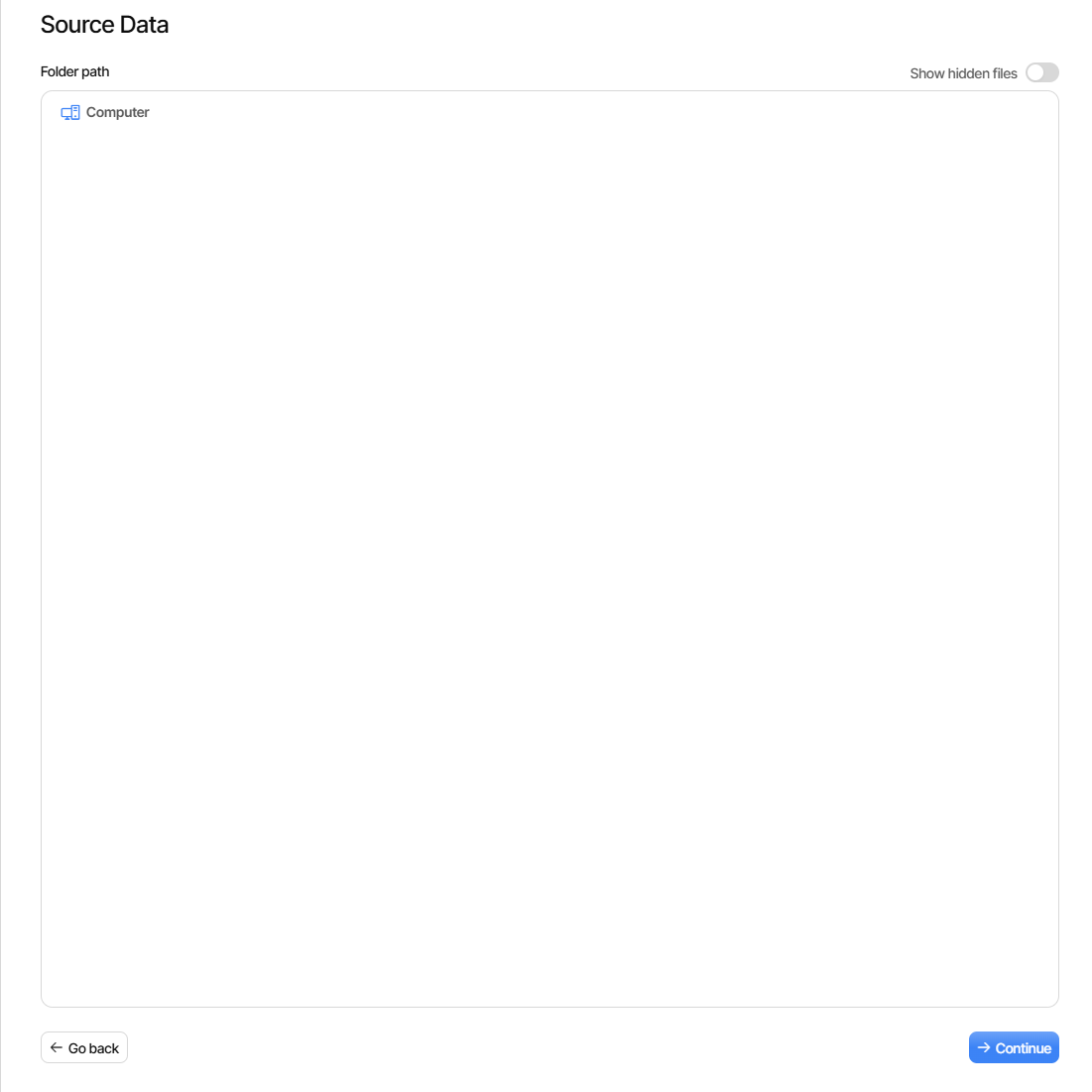
Rather than run a backup, after setup, see config Destination screen open fine.
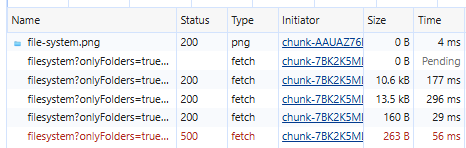
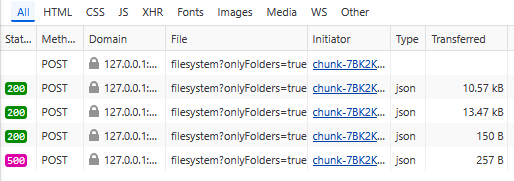
If you set F12 developer tools to watch network before clicking destination, get
{"path":"/"}
{"path":"C:\\"}
{"path":"C:\\tmp\\"}
{"path":"C:\\tmp\\dest500\\"}
{"path":"C:\\tmp\\dest500\\\\"}
The latter two respond with [] as the folder is still empty.
The first query is the slow one, causing delays I spoke of.
The last query purpose is unknown, but now I will break it:
Place a file manually in Destination. I created an empty file called empty.txt.
Home, repeat it, and watch. Last query returns 500 Internal Server Error
For my slowness, and maybe hang here, I see first query not show fast status.
When it finishes it shows a Status 200, and Pending in time then shows time.
Here’s an early view where the last query has already failed, and first is going:
First query when finished says it took 1.1 min. Cause is unknown, but weirdly
the delay varies depending on which network my PC is on. One lists / slowly.
EDIT 1:
And for the 500, its weirdness is the way it depends on final folder having file.
EDIT 2:
My OS is Windows. Browser above is Edge, but Firefox shows the same bug.
It did manage to not delay the first query for / once, but did on above repeat.
This test used 2.3.0.100_canary_2026-04-23. Many-versions survey is above.
Some parts seem not entirely predictable though, e.g. above results in Firefox.

 .
.