Welcome to the forum @CasualCopier
It works here, although UNC path actually points to the same system, not a NAS.
//localhost/Shared/test 1
That’s a shared folder in the root of the C: drive, with a backup subfolder test 1.
You may eventually get a better explanation from dev, including GUI use and this:
However it’s basically a change, though trying to be forgiving of the old less strict format.
File URI scheme (Wikipedia) has a UNC path section, with two forms. Duplicati seems to like the four slash variety, probably achieved here by file:// plus the two that I typed.
Three-dot menu on Destination screen shows file:////localhost/Shared/test%201
UNC Strings in RFC 8089 is probably the authoritative standard on the ways to use UNC.
Backslash as Separator might also apply. Duplicati appears forgiving about later slashes.
Maybe what happened is the GUI is trying to hint to use forward slashes by inserting one.
That would be a dev question, as would conversions or release note and docs about this.
EDIT 1:
Initial tests here were done with BackendTool, as it’s a clearer view and easier to change:
Duplicati.CommandLine.BackendTool list "file:////localhost/Shared"
Name    Dir/File        LastChange      Size
test 1  Dir     9/10/2025 5:10:54 PM    0 bytes
SMB users may notice that there’s a new SMB client now, as mentioned in Release Note.
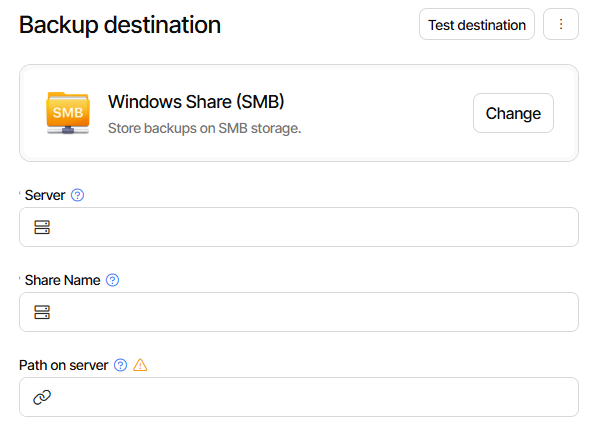
and although Windows users might not need this much, it’s there to try if UNC won’t go.
I omit the long later section. CIFS (aka SMB) Destination in the manual talks about this.
File Destination covers UNC from a CLI point of view. Maybe GUI should go differently?
Duplicati.CommandLine.BackendTool list "file://\\localhost\Shared"
Name    Dir/File        LastChange      Size
test 1  Dir     9/10/2025 5:10:54 PM    0 bytes