I’m not sure it’s a new bug, as I’ve seen similar things before, but Duplicati sometimes gets stuck with the GUI countdown timer (5 to 1) cycling, with network request in when it ought to reattempt.
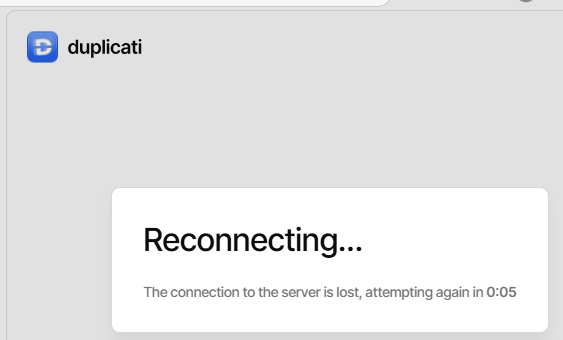
Dev tools in Edge shows no traffic, however netstat showed some Edge TCP. Wireshark saw
GET /.well-known/appspecific/com.chrome.devtools.json HTTP/1.1
Host: 127.0.0.1:8101
Connection: keep-alive
Sec-Fetch-Site: same-origin
Sec-Fetch-Mode: no-cors
Sec-Fetch-Dest: empty
User-Agent: Mozilla/5.0 (Windows NT 10.0; Win64; x64) AppleWebKit/537.36 (KHTML, like Gecko) Chrome/153.0.0.0 Safari/537.36 Edg/153.0.0.0
Accept-Encoding: gzip, deflate, br, zstd
Accept-Language: en-US,en;q=0.9
Cookie: default-theme=ngax; default-client=ngclient


0.000420s
HTTP/1.1 404 Not Found
Content-Length: 0
Date: Fri, 25 Sep 2026 12:24:49 GMT
Server: Kestrel
which is apparently from my having dev tools open (and it’s typical for server to not support that).
So I turned off dev tools and just used Wireshark, which is idling with 5 minute TrayIcon longpoll.
There’s a related (but less perpetual) problem where it seems to need to count down a few times, which is just a bit annoying. When I get back to a sleeping Duplicati tab, I like it to reactivate fast.
Once Duplicati gets into the long looping, the only way out historically has been to refresh its tab.
Because I had two stuck this way, I turned on dev tools in one, and then used the refresh button.
Dev tools actually started the TCP connection to give its query-in-vain, then Duplicati sent login
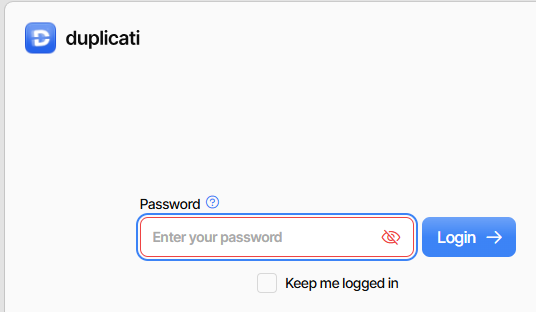
is result. I usually check “Keep me logged in”, but might not have had right opportunity this time.
Maybe this infinite retry is the result after time passes? Regardless, any words on this situation?