# Backup failed....with no error?
**URL:** https://forum.duplicati.com/t/backup-failed-with-no-error/6223
**Category:** Support
**Created:** [February 2, 2019, 5:51pm UTC](https://forum.duplicati.com/t/backup-failed-with-no-error/6223 "2019-02-02T17:51:32Z")
**Posts on this page:** 4
**Page:** 1
### Author:  [@gambiting](https://forum.duplicati.com/u/gambiting)
#### Post date: [February 2, 2019, 5:51pm UTC](https://forum.duplicati.com/t/backup-failed-with-no-error/6223/1 "2019-02-02T17:51:32Z")
Hi.
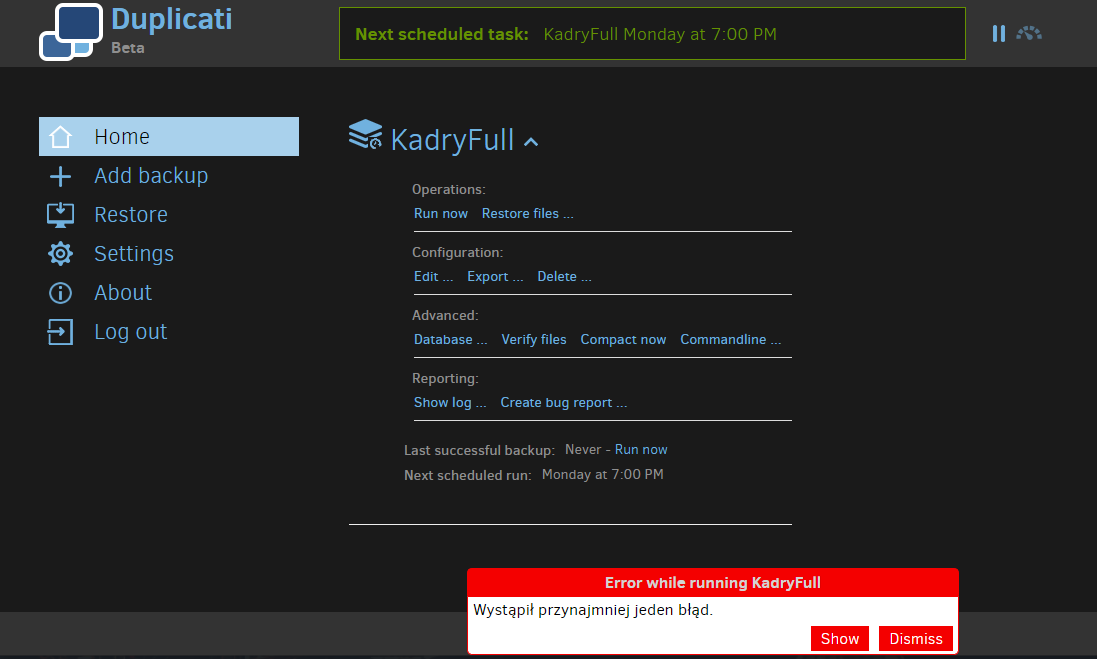
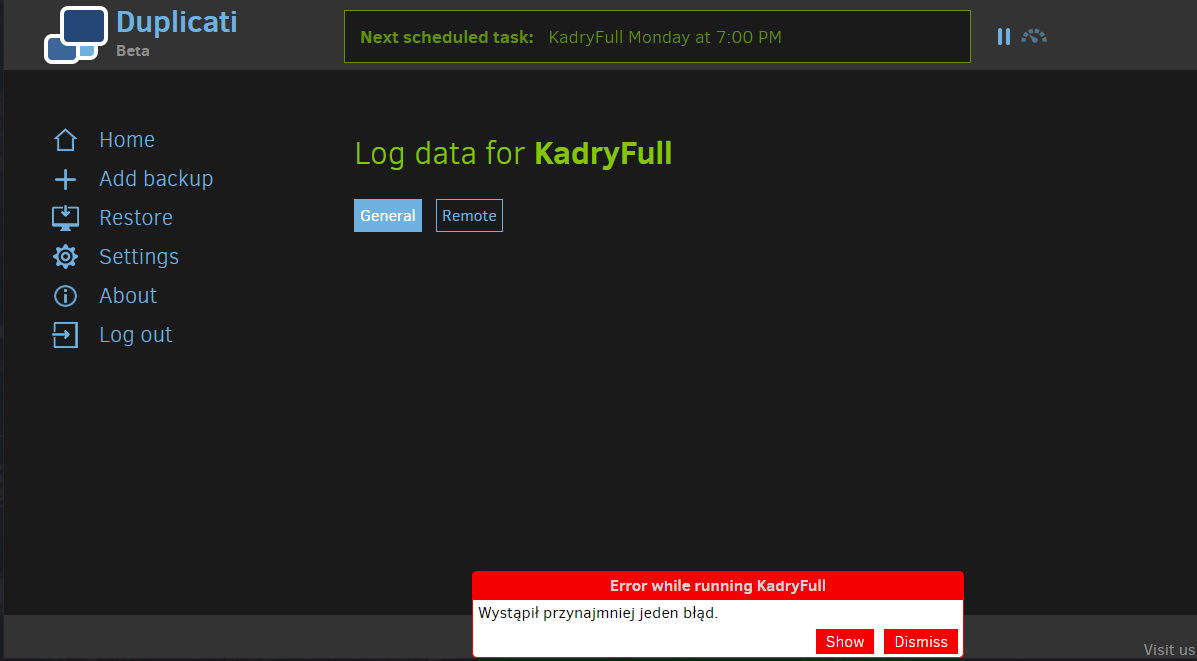
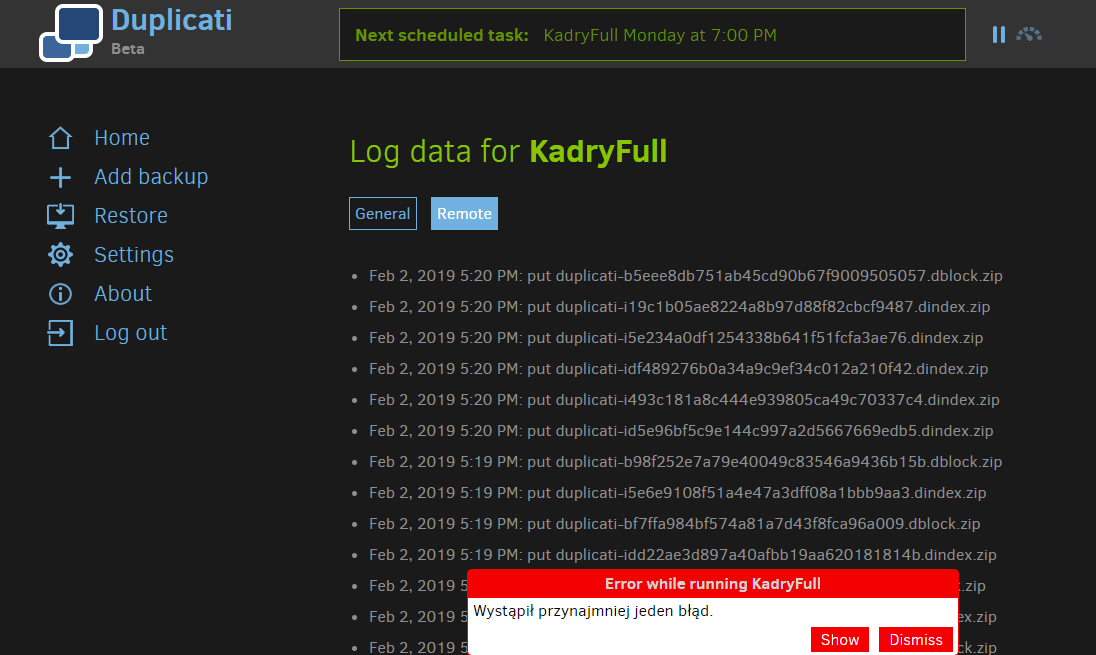
I’m setting up a local backup to B2 storage(with backblaze), and the backup goes all the way to 100%…and then fails. But when I click on “show” in the error window, there’s nothing. “General” is empty, and “remote” has a bunch of logs but nothing that looks like an error. I have tried rebuilding the database and even fully deleting and re-creating the entire backup job. Same error each time.
(then there is a small issue of the text in the error window not being in the language I selected for my interface - it’s in Polish while the interface is in English - but it looks like minor bug. The Polish text says “at least one error encountered”).
Some screenshots with what I can see are attached:
---
### Author:  [@ts678](https://forum.duplicati.com/u/ts678)
#### Post date: [February 5, 2019, 3:08am UTC](https://forum.duplicati.com/t/backup-failed-with-no-error/6223/2 "2019-02-05T03:08:08Z")
Hello @gambiting and welcome to the forum!
[Viewing the Duplicati Server Logs](https://duplicati.readthedocs.io/en/latest/03-using-the-graphical-user-interface/#viewing-the-duplicati-server-logs) is another place to check. The error popup unfortunately shows the job log. If there’s nothing in the server log at About --\> Show log --\> General, you may need to either watch the server log live (About --\> Show log --\> Live -\> Error for example) or add [–log-file](https://duplicati.readthedocs.io/en/latest/06-advanced-options/#log-file) to job’s screen 5 Advanced options.
---
### Author:  [@rumenavramov](https://forum.duplicati.com/u/rumenavramov)
#### Post date: [February 5, 2019, 12:12pm UTC](https://forum.duplicati.com/t/backup-failed-with-no-error/6223/3 "2019-02-05T12:12:32Z")
@gambiting It may not be obvious, but clicking those lines on the log screen, reveals more details. More often than not, the top line contains the error or warning you are looking for.
---
### Author:  [@ts678](https://forum.duplicati.com/u/ts678)
#### Post date: [February 5, 2019, 1:08pm UTC](https://forum.duplicati.com/t/backup-failed-with-no-error/6223/4 "2019-02-05T13:08:08Z")
Excellent point from @rumenavramov (thanks!) which might avoid --log-file option need if clicking the originally shown screen of `put` operations is enough. If not, try clicks at About --\> Show log --\> General. There’s almost always information somewhere. If you set up [–send-mail-to](https://duplicati.readthedocs.io/en/latest/06-advanced-options/#send-mail-to) I think Duplicati will send log information to you whether or not you set up a log to disk. That might be an easy way to avoid hunting…