# 2.0.4.5 server appears to be broken on Synology
**URL:** https://forum.duplicati.com/t/2-0-4-5-server-appears-to-be-broken-on-synology/5576
**Category:** Support
**Created:** [December 9, 2018, 10:38pm UTC](https://forum.duplicati.com/t/2-0-4-5-server-appears-to-be-broken-on-synology/5576 "2018-12-09T22:38:35Z")
**Posts on this page:** 20
**Page:** 3
### Author:  [@JonMikelV](https://forum.duplicati.com/u/JonMikelV)
#### Post date: [January 8, 2019, 10:39pm UTC](https://forum.duplicati.com/t/2-0-4-5-server-appears-to-be-broken-on-synology/5576/41 "2019-01-08T22:39:49Z")
Unfortunately not - I don’t have a Synology myself so can’t do any comparison testing.
I don’t suppose you’re using one of the models mentioned here that are reported to have issues…
> [@How to install Duplicati on Synology / DSM](https://forum.duplicati.com/t/how-to-install-duplicati-on-synology-dsm/5145):
>
> Disclaimer: I don’t have a Synology box so can’t do much with these instructions, but I’m hoping creating this WIKI post (use the edit button below) will prompt others who HAVE installed Duplicati on a Synology box to flesh out these instructions. slight_smile This initial skeleton is based on @Wim_Jansen’s [How to install Duplicati on Synology](https://forum.duplicati.com/t/how-to-install-duplicati-on-synology/990/2) post, @Kareltje1980’s [Synology installation](https://forum.duplicati.com/t/synology-installation/3639) post, and might eventually lovingly borrow @drwtsn32’s image from [How to install Duplicati on Synology](https://forum.duplicati.com/t/how-to-install-duplicati-on-synology/990/3). …
---
### Author:  [@drwtsn32](https://forum.duplicati.com/u/drwtsn32)
#### Post date: [January 8, 2019, 11:50pm UTC](https://forum.duplicati.com/t/2-0-4-5-server-appears-to-be-broken-on-synology/5576/42 "2019-01-08T23:50:39Z")
> [@exetico](#):
>
> I’m not sure what i can do. Any advices?
Sorry if I missed it but did you try the steps @jetkins posted above? It helped some people that were getting the “connection lost” messages on 2.0.4.5.
> [@2.0.4.5 server appears to be broken on Synology](https://forum.duplicati.com/t/2-0-4-5-server-appears-to-be-broken-on-synology/5576/15):
>
> So to summarize, for anyone else suffering the same problem, this appears to be an incompatibility between the Synology integration and the upgraded security introduced in 2.0.4.5. Until it gets fixed officially, this workaround worked for me, and should get you back up and running: Stop the Duplicati package from the Synology Package Center. Check for any server process still running, and kill it, eg: root@Tower:/var/packages/Duplicati/target# ps -ef |grep mono root 18002 1 10 Dec24 ? 01:43…
---
### Author:  [@JonMikelV](https://forum.duplicati.com/u/JonMikelV)
#### Post date: [January 9, 2019, 5:10am UTC](https://forum.duplicati.com/t/2-0-4-5-server-appears-to-be-broken-on-synology/5576/43 "2019-01-09T05:10:51Z")
This is probably not related, but do you know what version of mono you are running?
> [@FYI: brew's mono 5.18.0.225 breaks the 11-28 beta](https://forum.duplicati.com/t/fyi-brews-mono-5-18-0-225-breaks-the-11-28-beta/5934):
>
> See: [Duplicati does not start up · Issue #3572 · duplicati/duplicati · GitHub](https://github.com/duplicati/duplicati/issues/3572) If you already have upgraded, you can probably downgrade as follows: $ brew uninstall mono Uninstalling /usr/local/Cellar/mono/5.18.0.225... (3,810 files, 415.3MB) mono 5.14.0.177 is still installed. $ brew link mono Linking /usr/local/Cellar/mono/5.14.0.177... 234 symlinks created
---
### Author:  [@exetico](https://forum.duplicati.com/u/exetico)
#### Post date: [January 9, 2019, 5:16pm UTC](https://forum.duplicati.com/t/2-0-4-5-server-appears-to-be-broken-on-synology/5576/44 "2019-01-09T17:16:03Z")
> [@JonMikelV](#):
>
> I don’t suppose you’re using one of the models mentioned here that are reported to have issues
No, it’s not listed 🙂
> [@JonMikelV](#):
>
> This is probably not related, but do you know what version of mono you are running?
Yes, see below. Other details is listed in the same post.
> [@How to install Duplicati on Synology / DSM](https://forum.duplicati.com/t/how-to-install-duplicati-on-synology-dsm/5145/25):
>
> DS414 with DSM 6.2.1-23824 Update 4
> Mono 4.6.2-0096 (Beta-version from the official Synology-store)
> duplicati-2.0.4.5\_beta\_2018-11-28.spk
* * *
> [@drwtsn32](#):
>
> Sorry if I missed it but did you try the steps @jetkins posted above? It helped some people that were getting the “connection lost” messages on 2.0.4.5.
No - guess i missed that. But, doesn’t work. Or - well, it works if i run it manually:
```plaintext
mono /volume1/@appstore/Duplicati/Duplicati.Server.exe --webservice-interface=*
```
I edited hostname (added a few, seperated with ; as suggested in the text), saved it, Ctrl+C, checked for other processes, and started the service through the Synology-solution. Same error, once again.
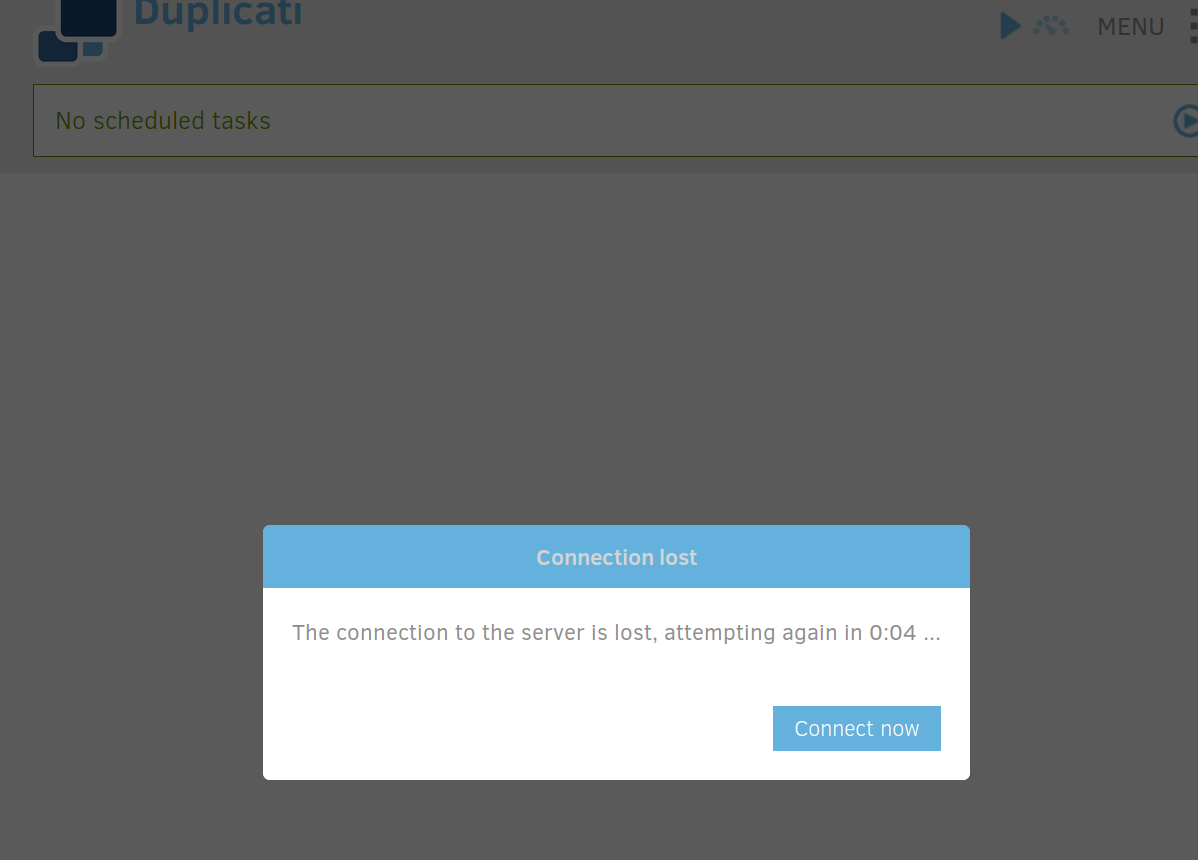
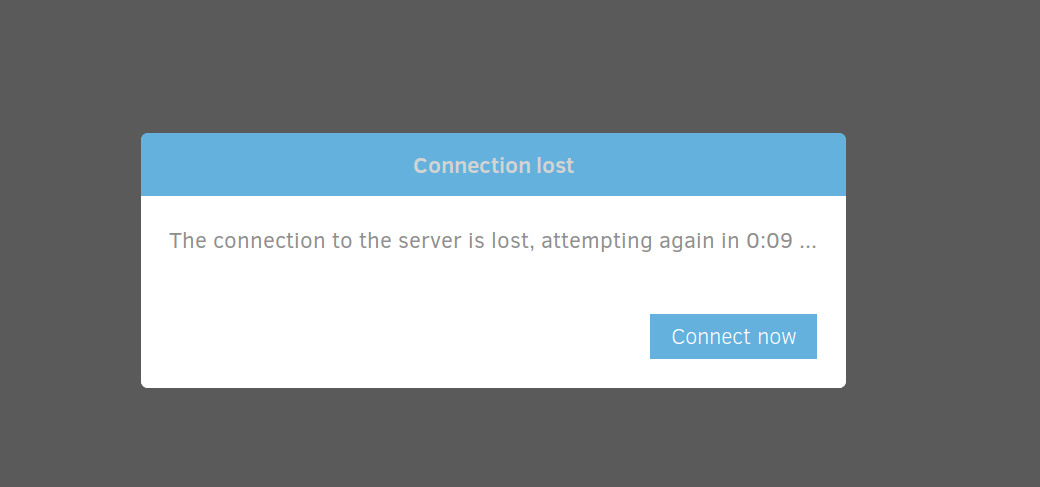
If i run it manually, it’s clear to see that i have the right connection to the backend, cause language is in danish (I’m from Denmark), and not english as is it on the sessions where it’s reporting the error after a few seconds.
I also tried to start manually again, and confirmed that the hostname-value was still defined (and it was).
---
### Author:  [@JonMikelV](https://forum.duplicati.com/u/JonMikelV)
#### Post date: [January 9, 2019, 5:44pm UTC](https://forum.duplicati.com/t/2-0-4-5-server-appears-to-be-broken-on-synology/5576/45 "2019-01-09T17:44:29Z")
> [@exetico](#):
>
> Yes, see below. Other details is listed in the same post.
Whoops - sorry about that. I hadn’t figured out you were posting in both places. 🙂
I went ahead and added your DS414 to the list in the other topic and included a link to your issue reported here.
I was hoping you were using the ‘bad’ mono version so we could chalk it up to that, but apparently that’s not the case.
> [@exetico](#):
>
> If i run it manually, it’s clear to see that i have the right connection to the backend, cause language is in danish (I’m from Denmark), and not english as is it on the sessions where it’s reporting the error after a few seconds.
So it works in Danish with a manual run but not English with a through-the-GUI run?
I don’t suppose you could try a manual run in English to see if that also crashes?
---
### Author:  [@exetico](https://forum.duplicati.com/u/exetico)
#### Post date: [January 9, 2019, 5:49pm UTC](https://forum.duplicati.com/t/2-0-4-5-server-appears-to-be-broken-on-synology/5576/46 "2019-01-09T17:49:00Z")
Np 🙂 And great.
I could give it a try. Am i able to change that in one of the configs?
* * *
I’ve added a few things to the start-script, to get a few more details. But sadly i can’t find any logs.
The following advance options is tried - no 1:
`--log-file=/var/packages/Duplicati/logs/log.txt --log-level=profiling`
And no 2.:
`--log-file=/volume1/@appstore/Duplicati/log/log.txt --log-level=profiling --webservice-interface=*`
I can see that the paramters is added to the end of the command - and logging is also working, and ansers is on `:8200` :
```
root 10689 1 0 19:14 ? 00:00:02 mono /volume1/@appstore/Duplicati/Duplicati.Server.exe --log-file=/volume1/@appstore/Duplicati/log/log.txt --log-level=profiling --webservice-interface=*
root 10819 10689 1 19:14 ? 00:00:07 /volume1/@appstore/Mono/usr/local/bin/mono-sgen /volume1/@appstore/Duplicati/Duplicati.Server.exe --log-file=/volume1/@appstore/Duplicati/log/log.txt --log-level=profiling --webservice-interface=*
```
Here is a fresh log with advance options no. 2, where i just started Duplicati, visited it, waited for the message to show up, and stopped the service:
[https://pastebin.com/pLcHwFQd](https://pastebin.com/pLcHwFQd)
The same error happens on `http://[SYNO-IP]:8200/ngax/index.html`, with the advance options.
* * *
SO... That means it's time for give the manual run another try, with logging enabled:
```
mono /volume1/@appstore/Duplicati/Duplicati.Server.exe --log-file=/volume1/@appstore/Duplicati/log/log.txt --log-level=profiling --webservice-interface=*
```
And… It works just fine, and the Danish GUI shows up:
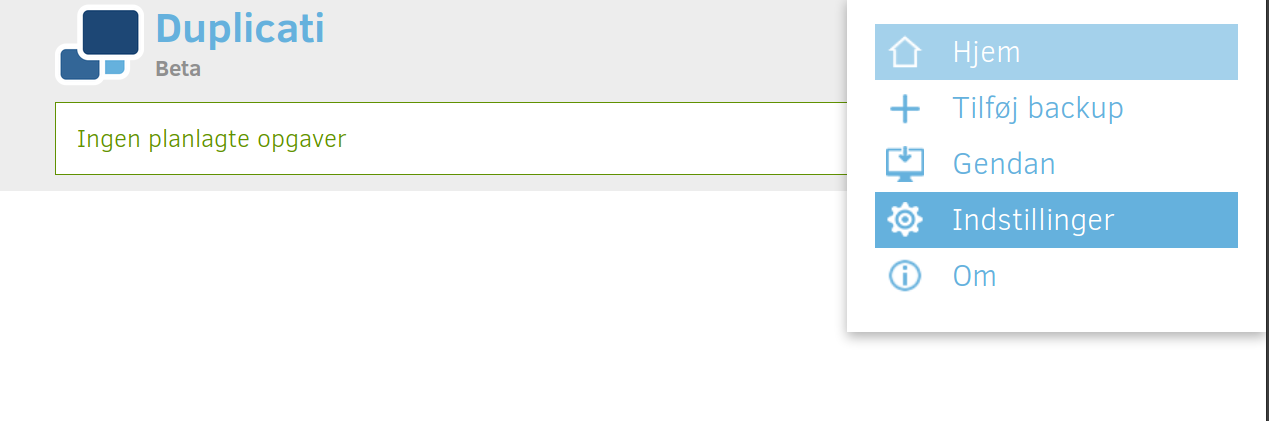
The only thing found in the log this time, is:
```
2019-01-09 19:37:24 +01 - [Information-Duplicati.Server.WebServer.Server-ServerListening]: Server has started and is listening on 0.0.0.0, port 8200
```
* * *
EDIT: _And more debug…_
Tried to tunnel into my NAS on `:8200` with `--log-level=profiling --webservice-interface=*` in use, but it’s still the same error.
If i run it manually it’s working just fine with tunnel to `:8200` on the Synology…
I also renew my certifiate, cause… why not? Still same issues in the log.
Regarding Danish vs. English, i don’t think that it’s the reason, cause these details is just based on the language of my browser… And the only reason why it it’s not jumping to Danish on DSM, is cause the connection got lost. I actually think that no connection is transfered between the GUI and the Duplicati backend - or, at least just a bit… But… What do i know 😜 I
I also changed a few settings, fx. theme and so on, but after loading up through DSM on `:5001` it’s back to the default things, so i don’t think that the GUI even connects to the server.
* * *
Lastly i have another question… Why is it that the following process keeps running, after i stopped the service in DSM? Is that a bug? (Normally i kill it manually)
```
root 15102 1 0 19:57 ? 00:00:08 /volume1/@appstore/Mono/usr/local/bin/mono-sgen /volume1/@appstore/Duplicati/Duplicati.Server.exe --log-file=/volume1/@appstore/Duplicati/log/log.txt --log-level=profiling
```
---
### Author:  [@ts678](https://forum.duplicati.com/u/ts678)
#### Post date: [January 9, 2019, 10:28pm UTC](https://forum.duplicati.com/t/2-0-4-5-server-appears-to-be-broken-on-synology/5576/47 "2019-01-09T22:28:05Z")
> [@exetico](#):
>
> Why is it that the following process keeps running, after i stopped the service in DSM? Is that a bug? (Normally i kill it manually)
An earlier [post](https://forum.duplicati.com/t/2-0-4-5-server-appears-to-be-broken-on-synology/5576/23) links to the solution, but it came after 2.0.4.5. It’s a tiny [edit](https://github.com/duplicati/duplicati/pull/3567/files) if you want to do it manually.
---
### Author:  [@exetico](https://forum.duplicati.com/u/exetico)
#### Post date: [January 10, 2019, 7:39pm UTC](https://forum.duplicati.com/t/2-0-4-5-server-appears-to-be-broken-on-synology/5576/48 "2019-01-10T19:39:02Z")
Oh, embarrassing. I had my full focus on the other issue. I really hope that someone has a suggestion/fix for this. I’m unsure why there’s even a problem with running it by DSM, now that it works just fine by running it manually through SSH.
Thanks for the information about the hotfix to the script 🙂
---
### Author:  [@Brano](https://forum.duplicati.com/u/Brano)
#### Post date: [January 13, 2019, 2:45pm UTC](https://forum.duplicati.com/t/2-0-4-5-server-appears-to-be-broken-on-synology/5576/49 "2019-01-13T14:45:02Z")
Do you have your user added into http group as per step 3) in the [INSTALL](https://forum.duplicati.com/t/how-to-install-duplicati-on-synology-dsm/5145?u=jonmikelv) instructions? User needs to be added even if the user is admin level. After adding my user my connection lost issues disappeared.
---
### Author:  [@JonMikelV](https://forum.duplicati.com/u/JonMikelV)
#### Post date: [January 13, 2019, 4:07pm UTC](https://forum.duplicati.com/t/2-0-4-5-server-appears-to-be-broken-on-synology/5576/50 "2019-01-13T16:07:34Z")
Are there any “hard” symptoms of missing that step?
I’m hoping to add an"If X happens check Y" troubleshooting block to the instructions. 🙂
---
### Author:  [@Brano](https://forum.duplicati.com/u/Brano)
#### Post date: [January 13, 2019, 4:25pm UTC](https://forum.duplicati.com/t/2-0-4-5-server-appears-to-be-broken-on-synology/5576/51 "2019-01-13T16:25:05Z")
No hard symptoms. The install goes through, the web interface initially opens, then shortly after it’s overlayed with “Connection lost …” message.
---
### Author:  [@exetico](https://forum.duplicati.com/u/exetico)
#### Post date: [January 14, 2019, 1:24pm UTC](https://forum.duplicati.com/t/2-0-4-5-server-appears-to-be-broken-on-synology/5576/52 "2019-01-14T13:24:10Z")
_…_
Steps to fix this issue:
1. Add current user to the http-group
2. Jump out of the window
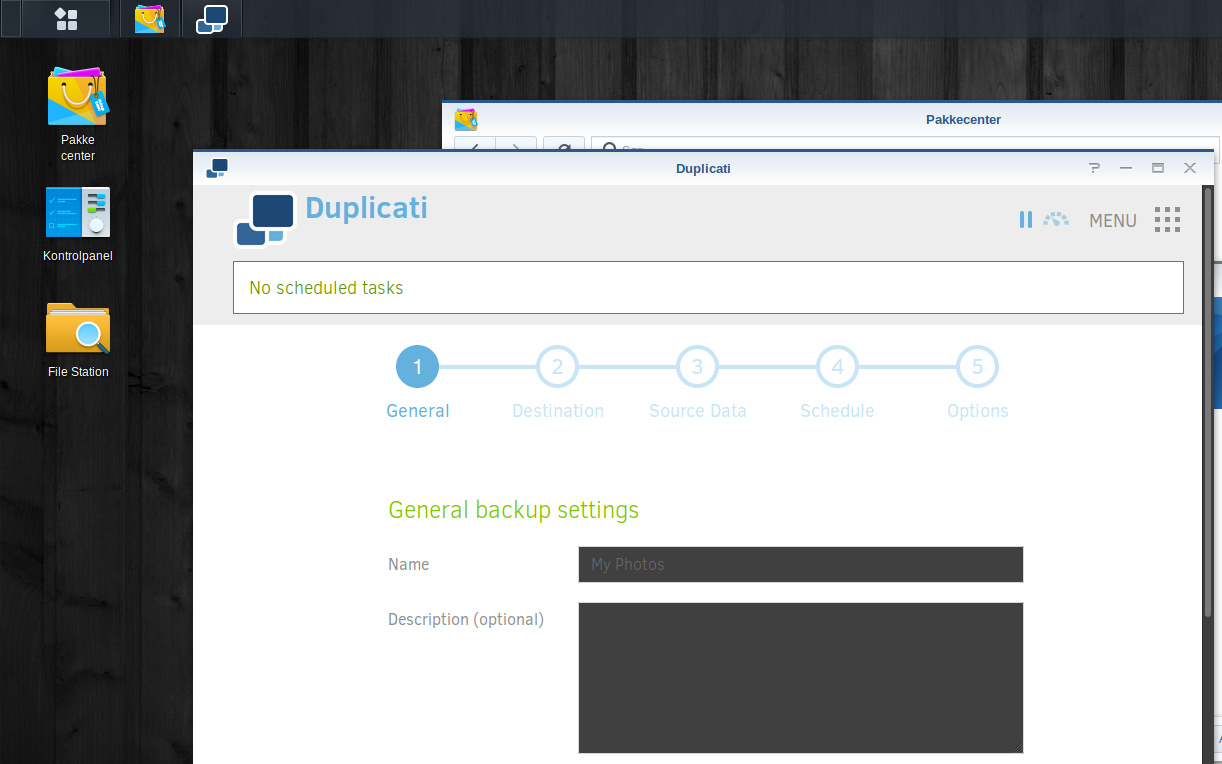
Another embarrassing recognition. I changed multiple things on my NAS, after going from 4\*3TB to a single one, due to all the way to mush space for my personal stuff (Actually started from scratch). I skipped step 3 in the instructions, cause my user used to be in that group… But like everything else, “_used too be like…_” is not always “as it currently is”.
Hours wasted, and now i’m flying.
TL;DR: Read the _damn_ instructions, and double check if you arn’t 100% sure.
Thanks Brano 😄👍
---
### Author:  [@JonMikelV](https://forum.duplicati.com/u/JonMikelV)
#### Post date: [January 14, 2019, 1:47pm UTC](https://forum.duplicati.com/t/2-0-4-5-server-appears-to-be-broken-on-synology/5576/53 "2019-01-14T13:47:36Z")
Glad you figured it out! Added this as first item in “troubleshooting” section. 🙂
---
### Author:  [@exetico](https://forum.duplicati.com/u/exetico)
#### Post date: [January 15, 2019, 7:39pm UTC](https://forum.duplicati.com/t/2-0-4-5-server-appears-to-be-broken-on-synology/5576/54 "2019-01-15T19:39:08Z")
Am i the only one experiencing, that i can’t get access to my NAS, however it seems running fine, if i look at the status LED’s. Can’t get access through SSH, NFS, DSM (web) and so on… This started after Duplicati was enabled. I’ll just like to hear if other have seen anything like that before, before i starting check for other issues.
If i use the soft-button to power it down, it’s starting the process, but it keeps blinking like it normally only do for a few secounds. So the only way is to take the power, and bring it back up.
---
### Author:  [@drwtsn32](https://forum.duplicati.com/u/drwtsn32)
#### Post date: [January 15, 2019, 9:52pm UTC](https://forum.duplicati.com/t/2-0-4-5-server-appears-to-be-broken-on-synology/5576/55 "2019-01-15T21:52:18Z")
> [@exetico](#):
>
> Am i the only one experiencing, that i can’t get access to my NAS, however it seems running fine, if i look at the status LED’s. Can’t get access through SSH, NFS, DSM (web) and so on…
I’ve never experienced that and don’t see how Duplicati could be the cause.
Can you ping your NAS? Have you tried connecting by IP address?
---
### Author:  [@exetico](https://forum.duplicati.com/u/exetico)
#### Post date: [January 19, 2019, 3:58pm UTC](https://forum.duplicati.com/t/2-0-4-5-server-appears-to-be-broken-on-synology/5576/56 "2019-01-19T15:58:34Z")
> [@How to install Duplicati on Synology / DSM](https://forum.duplicati.com/t/how-to-install-duplicati-on-synology-dsm/5145/31):
>
> Did you follow the step 3) in the install guide above? The message you see is exactly the symptom if you did not add your user to http group.
> [@exetico](#):
>
> Steps to fix this issue:
>
> 1. Add current user to the http-group
> 2. Jump out of the window
>
> Another embarrassing recognition. I changed multiple things on my NAS, after going from 4\*3TB to a single one, due to all the way to mush space for my personal stuff (Actually started from scratch). I skipped step 3 in the instructions, cause my user used to be in that group… But like everything else, “ _used too be like…_ ” is not always “as it currently is”.
>
> Hours wasted, and now i’m flying.
>
> TL;DR: Read the _damn_ instructions, and double check if you arn’t 100% sure.
>
> Thanks Brano 👍 👍
🙂 Nope - but check out my quote.
> [@drwtsn32](#):
>
> I’ve never experienced that and don’t see how Duplicati could be the cause.
>
> Can you ping your NAS? Have you tried connecting by IP address?
Can’t get access, nope. But it’s just wierd that it showed up after it’s installed. But let’s skip it for now. Will try and see what i can fine. You’re right about it shouldn’t be anything related to Duplicati. Would just like to hear.
---
### Author:  [@drwtsn32](https://forum.duplicati.com/u/drwtsn32)
#### Post date: [January 20, 2019, 12:53am UTC](https://forum.duplicati.com/t/2-0-4-5-server-appears-to-be-broken-on-synology/5576/57 "2019-01-20T00:53:00Z")
> [@exetico](#):
>
> Can’t get access, nope.
Does it respond to ping?
---
### Author:  [@naxan](https://forum.duplicati.com/u/naxan)
#### Post date: [March 24, 2019, 7:26pm UTC](https://forum.duplicati.com/t/2-0-4-5-server-appears-to-be-broken-on-synology/5576/58 "2019-03-24T19:26:24Z")
Thank you! - this nearly solved it for me - but only nearly, but lead me the way.
I followed your workaround through multiple times but after point 9 it never worked.
This solved it for me in the end:
1. Access DSM via IP: [https://192.168.0.11:5001](https://192.168.0.11:5001) and start/open Duplicati (it did work that way! Beforehand I only tried by hostname or DNS name…)
2. Click on Settings, and enter your Synology’s DNS name, e.g. _tower.my.domain_ in the _Hostnames_ field, then scroll to the bottom of the page and click OK.
(my Synology’s DNS name wasn’t there - besides adding it in step 6… (?!))
3. Stop the package from the Package Center
4. Check for and kill any server process still running, per Step 2 above.
5. Start the package from the Package Center.
Works ever since (besides some other issues: [Missing XSRF token](https://forum.duplicati.com/t/missing-xsrf-token/290) AND [Cannot restore files from directories containing space in name · Issue #2837 · duplicati/duplicati · GitHub](https://github.com/duplicati/duplicati/issues/2837) ) - and I’m also on 2.0.4.5 …
---
### Author:  [@PadrePedro](https://forum.duplicati.com/u/PadrePedro)
#### Post date: [December 30, 2021, 9:54pm UTC](https://forum.duplicati.com/t/2-0-4-5-server-appears-to-be-broken-on-synology/5576/59 "2021-12-30T21:54:00Z")
Hi everyone,
I’ve installed the latest version of Duplicati (2.0.6.3) natively on my Synology NAS (latest version: DSM 6.2.4-25556 Update 2). However, I still get the same “connection” error as described in this topic…
I’ve done this:
1. Stopped Duplicati from Package Center. I’ve checked: no processes related to Duplicati are still running (which is expected, because there was already a fix for this issue).
2. Started Duplicati the manual way (via SSH).
3. Went to the URL with port 8200 and added my NAS’ hostname to Hostnames (I’ve also tried with \* in a later attempt). I can access this URL through IP and hostname.
4. Stopped Duplicati.
5. Started Duplicati from Package Center.
I’ve also added my DSM user to the DSM group “http”.
When using my IP address to access DSM, it does work (in DSM and through the external URL on port 5001). But it doesn’t work when accessing DSM or the external URL through hostname (not even when using \* in the hostnames field of Duplicati’s Settings).
Then I tried naxan’s solution, but when not using the 8002 port URL I don’t get the Hostnames field. You’re right: I don’t see that field in Settings.
Does everything work with a single hostname (because that’s what I’m using)? Or is a FQDN containing dots (.) a necessity?
And do you guys see the Hostnames field in Settings when not using the 8200 port URL?
PS: I’ve also executed this:
sudo su -
/var/packages/Mono/target/usr/local/bin/cert-sync /etc/ssl/certs/ca-certificates.crt
(The CRT file contains my own self-signed certificate.)
Doesn’t work either though… It’s like there is no Hostnames field active when Duplicati is started from Package Center, as I don’t see that field in that case.
Rebooting my NAS doesn’t make any difference…
Thanks!
Pedro
---
### Author:  [@PadrePedro](https://forum.duplicati.com/u/PadrePedro)
#### Post date: [December 31, 2021, 1:53pm UTC](https://forum.duplicati.com/t/2-0-4-5-server-appears-to-be-broken-on-synology/5576/60 "2021-12-31T13:53:02Z")
Hi,
Problem is solved. Naxan’s solution was indeed key, but the reason I couldn’t see the Hostnames field was I hadn’t checked “Allow remote access” first. It seems I was just too quick. :-o
So it seems the Hostnames field as set through the 8200 port URL doesn’t count for Duplicati when started through Package Center. Perhaps it depends on the version of DSM, Mono, Duplicati or a combo of them, but at least that seems to be my situation right now (and also naxan’s apparently).
Pedro
[Previous page](https://forum.duplicati.com/t/2-0-4-5-server-appears-to-be-broken-on-synology/5576.md?page=2)